Levelogger Series User Guide
Page 55
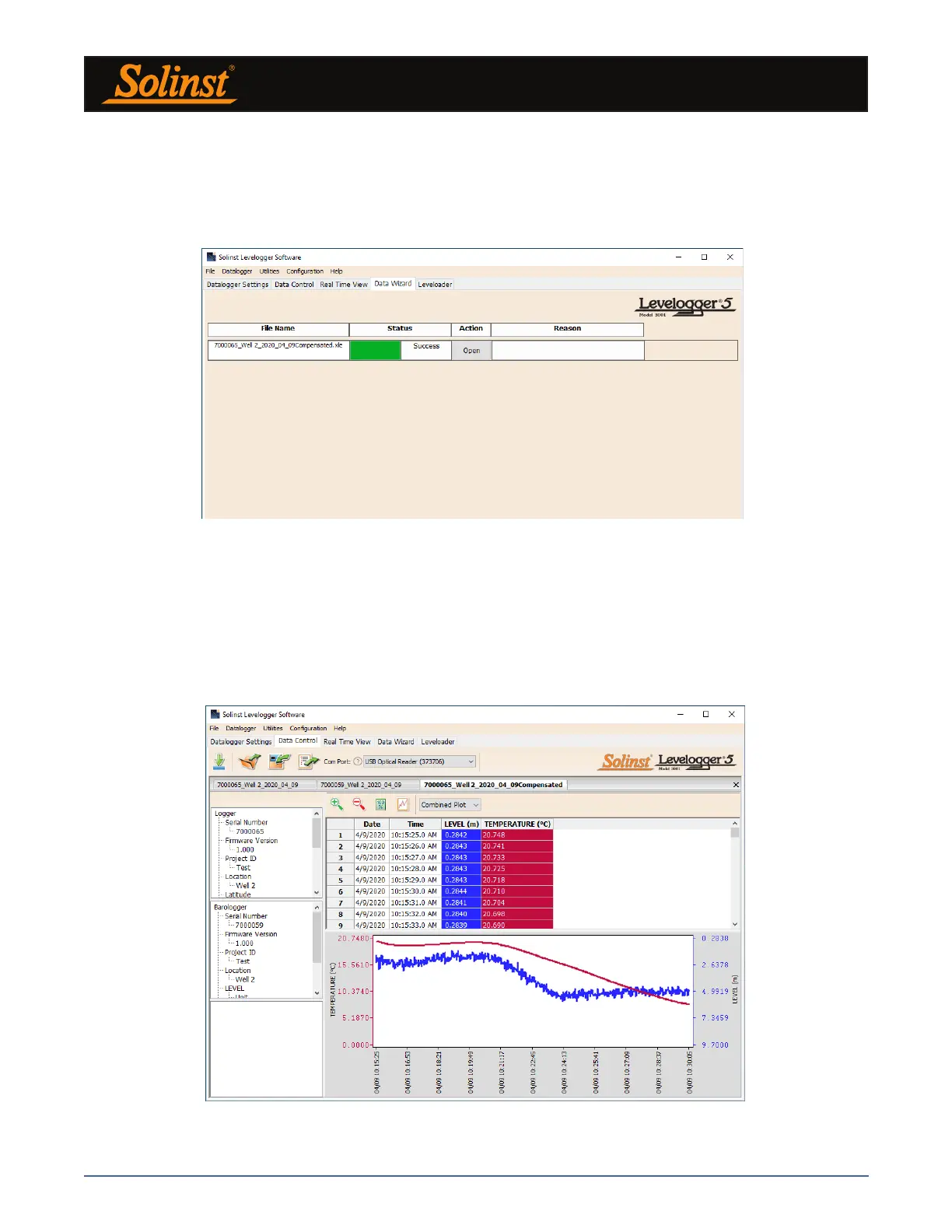
From the Data Control tab, you can view the data, save the compensated file with a new filename and/or
export the data (see Section 7).
All the original Levelogger settings and the channel information effective during data collection are shown
on the top left of the window. The bottom left sections of the window are used to display the compensation
information. The middle section displays information from the Barologger.
Figure 8-3 Barometric Compensation Results
Figure 8-4 Viewing Compensated Files in the Data Control Tab
The next window will show the results of the compensation. If the compensation was unsuccessful, there will
be an explanation in the Reason column (e.g. time stamp of Levelogger and Barologger files were not close
enough to perform an accurate compensation). You can still view the compensated file in the Data Control
tab by clicking ‘Open’ in the Action column. If the compensation is successful, select ‘Open’ to view the
compensated file in the Data Control tab.



 To Next Page