C:\d830100111\d830100111ILCE9UC2\01GB-ILCE9UC2\030BAS.indd
2019/02/19 10:01
ILCE-9
d-830-100-11 (1)
GB
129
Shooting
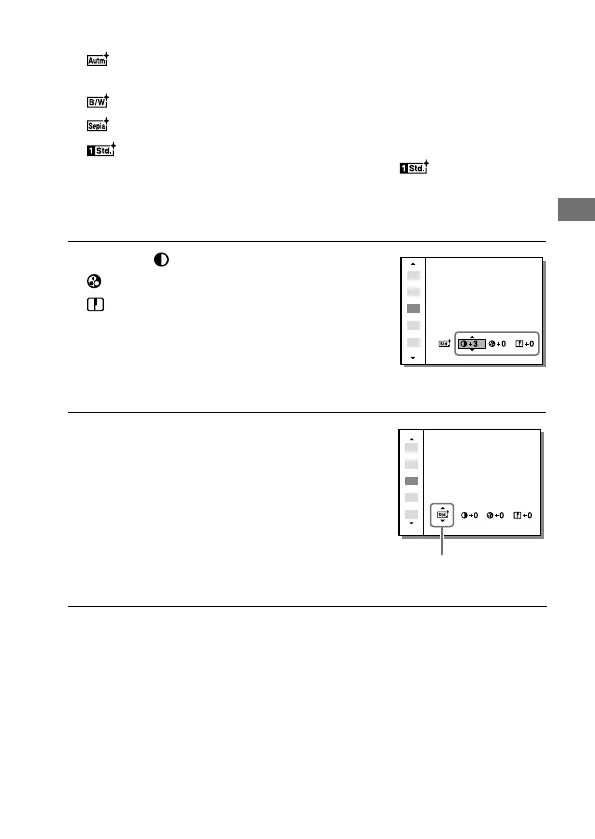
Autumn leaves: For shooting autumn scenes, vividly highlighting
the reds and yellows of changing leaves.
Black & White: For shooting images in black and white monotone.
Sepia: For shooting images in sepia monotone.
Registering preferred settings (Style Box): Select the six style
box (the boxes with numbers on the left side (
)) to register
preferred settings. Then select the desired settings using the right
button.
You can call up the same style with slightly different settings.
3
To adjust (Contrast),
(Saturation) and
(Sharpness), select the
desired item using the right/
left sides, and then select the
value using the top/bottom
sides.
4
When selecting [Style Box],
move to the right side using
the right side of the control
wheel, and then select the
desired style.
• You can call up the same style
with slightly different settings.
Displayed only when
Style Box is selected



 To Next Page