C:\d830100111\d830100111ILCE9UC2\01GB-ILCE9UC2\030BAS.indd
2019/02/19 10:01
ILCE-9
d-830-100-11 (1)
GB
65
Shooting
Circ. of Focus Point
Sets whether to allow the focusing frame to jump from one end to the
other when you move the focusing frame with [Focus Area] set to [Zone],
[Flexible Spot], or [Expand Flexible Spot]. This function is useful when you
want to move the focusing frame from one end to the other quickly.
MENU (Camera Settings 1) [Circ. of Focus Point]
desired setting.
Does Not Circulate: The cursor does not move when you try to move the
focusing frame past the end.
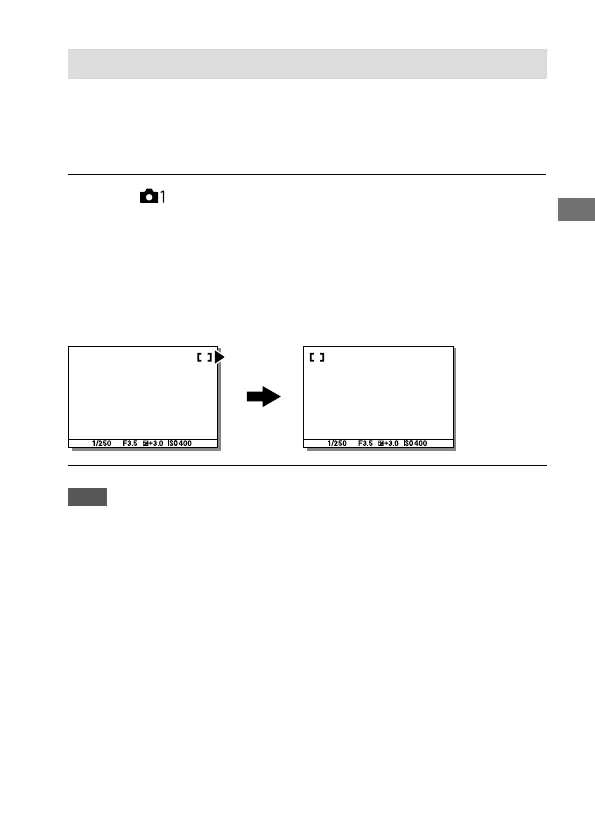
Circulate: The cursor jumps to the opposite end when you try to move
the focusing frame past the end.
When [Circulate] is selected:
Note
• Even if you set [Circ. of Focus Point] to [Circulate], the focusing frame will not
circulate diagonally.



 To Next Page