C:\d830100111\d830100111ILCE9UC2\01GB-ILCE9UC2\040MOV.indd
2019/02/19 10:01
ILCE-9
d-830-100-11 (1)
GB
147
Shooting movies
Record Setting
Selects the frame rate and bit-rate for movie recording.
MENU (Camera Settings 2) [ Record Setting]
desired setting.
• The higher the bit-rate, the higher the image quality.
• For estimates of the maximum recordable movie time with each
recording setting, refer to page 239.
When [ File Format] is set to [XAVC S 4K]
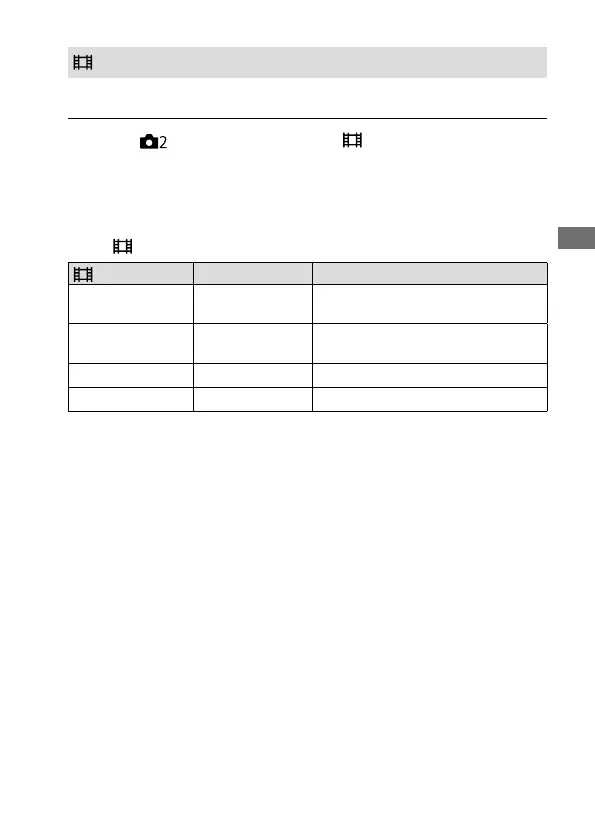
Record Setting Bit-rate Description
30p 100M/25p 100M
Approx. 100 Mbps
Records movies in 3840×2160
(30p/25p).
30p 60M/25p 60M
Approx. 60 Mbps
Records movies in 3840×2160
(30p/25p).
24p 100M*
Approx. 100 Mbps Records movies in 3840×2160 (24p).
24p 60M*
Approx. 60 Mbps Records movies in 3840×2160 (24p).
* Only when [NTSC/PAL Selector] is set to NTSC



 To Next Page