C:\d830100111\d830100111ILCE9UC2\01GB-ILCE9UC2\030BAS.indd
2019/02/19 10:01
ILCE-9
d-830-100-11 (1)
Shooting
GB
45
Shooting
Shooting
Shooting still images
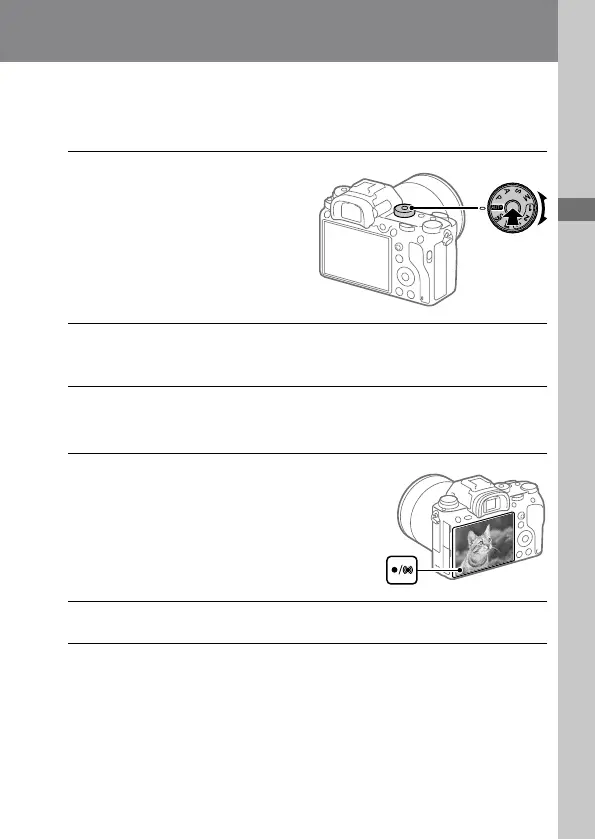
1
Select the desired shooting
mode by turning the mode
dial.
• Turn the mode dial while
pressing the mode dial lock
release button in the center of
the mode dial.
2
Adjust the monitor angle, and hold the camera. Or look through
the viewfinder and hold the camera.
3
When a zoom lens is mounted, enlarge images by rotating the
zoom ring.
4
Press the shutter button
halfway down to focus.
When the image is in focus, a
beep sounds and the indicator
(such as ) lights up.
5
Press the shutter button fully down.



 To Next Page