ILCE-9
d-830-100-11 (1)
C:\d830100111\d830100111ILCE9UC2\01GB-ILCE9UC2\030BAS.indd
2019/02/19 10:01
GB
96
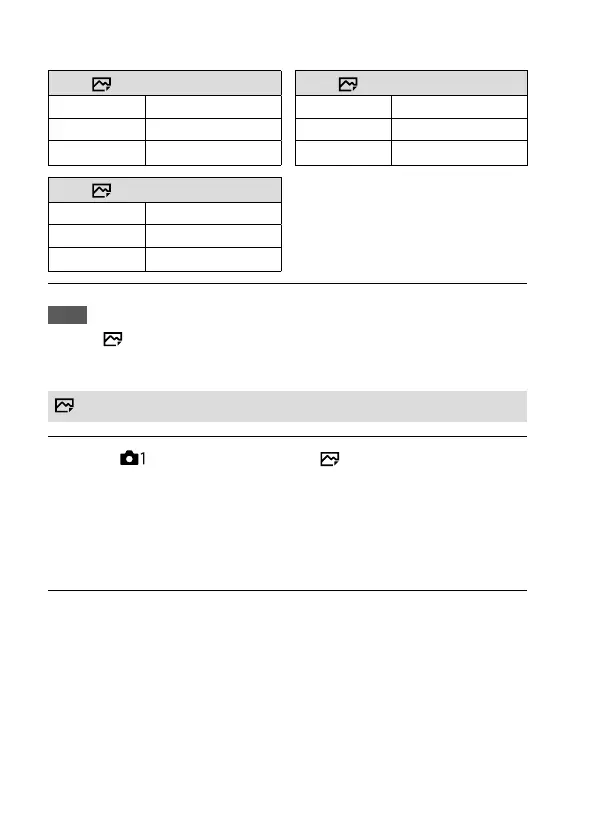
When recording in the APS-C-equivalent size
When [ Aspect Ratio] is set to 3:2 When [ Aspect Ratio] is set to 16:9
L: 10M
3936×2624 pixels
L: 8.7M
3936×2216 pixels
M: 6.0M
3008×2000 pixels
M: 5.1M
3008×1688 pixels
S: 2.6M
1968×1312 pixels
S: 2.2M
1968×1112 pixels
When [ Aspect Ratio] is set to 1:1
L: 6.9M
2624×2624 pixels
M: 4.0M
2000×2000 pixels
S: 1.7M
1312×1312 pixels
Note
• When [ File Format] is set to [RAW] or [RAW & JPEG], the image size for
RAW images corresponds to “L.”
Aspect Ratio
MENU (Camera Settings 1) [ Aspect Ratio] desired
setting.
3:2: Same aspect ratio as 35 mm film
16:9: An aspect ratio suitable for viewing on a TV that supports high
definition
1:1: The horizontal and vertical ratio is equal.



 To Next Page