C:\d830100111\d830100111ILCE9UC2\01GB-ILCE9UC2\050PLY.indd
2019/02/19 10:01
ILCE-9
d-830-100-11 (1)
GB
161
Viewing
Setting the method for jumping between images
(Image Jump Setting)
Sets which dial and method to use for jumping between images during
playback. You can quickly find protected images or images set with a
particular rating (page166).
MENU (Playback) [Image Jump Setting] desired
setting.
Select Dial: Selects the dial to use for jumping between images.
Image Jump Method: Sets the type of images to be played back with
Image Jump.
Note
• [Image Jump Setting] is available only when [View Mode] is set to [Date View].
If [View Mode] is not set to [Date View], the camera will always play
back every image without jumping when you use the dial selected with
[Select Dial].
• When you use the Image Jump function, movie files are always skipped.
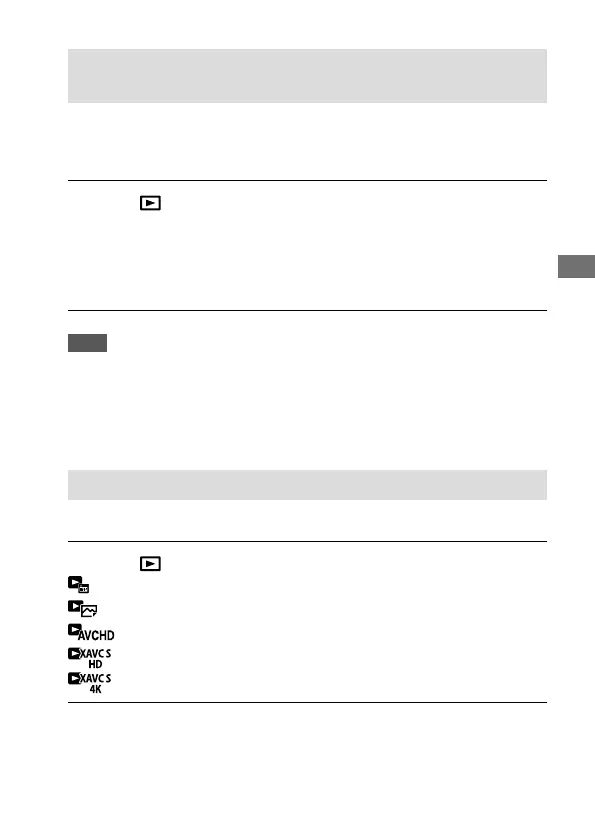
Switching between still images and movies (View Mode)
Sets the View Mode (image display method).
MENU (Playback) [View Mode] desired setting.
Date View: Displays the images by date.
Folder View (Still): Displays only still images.
AVCHD View: Displays only AVCHD-format movies.
XAVC S HD View: Displays only XAVC S HD-format movies.
XAVC S 4K View: Displays only XAVC S 4K-format movies.



 To Next Page