ILCE-9
d-830-100-11 (1)
C:\d830100111\d830100111ILCE9UC2\01GB-ILCE9UC2\050PLY.indd
2019/02/19 10:01
GB
166
Setting rating function
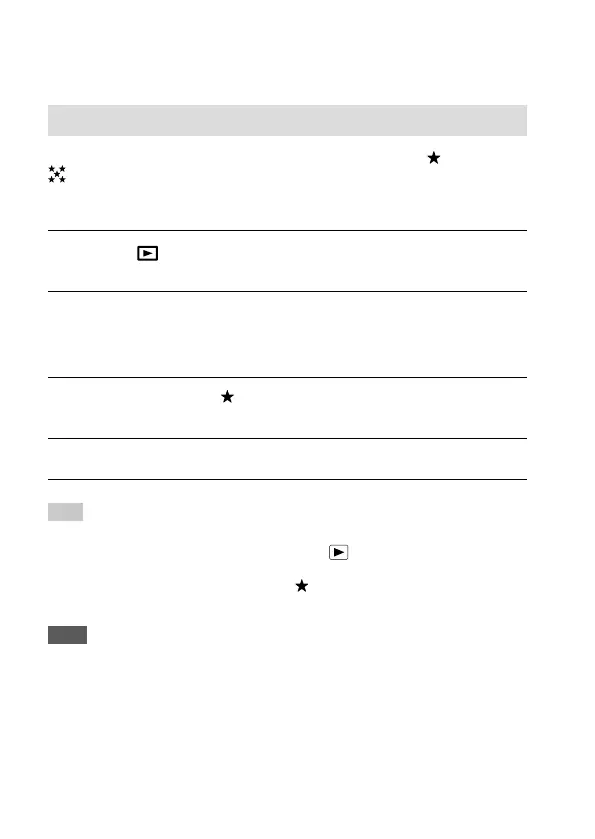
Rating
You can assign ratings to recorded images on a scale from to
to make it easier to find images. Combining this function with
[Image Jump Setting] (page161) allows you to find a desired image
quickly.
1
MENU (Playback) [Rating].
The image rating selection screen will appear.
2
Press the left/right sides of the control wheel to display an
image to which you want to assign a rating, and then press the
center.
3
Select the number of (Rating) by pressing the left/right sides
of the control wheel, and then press the center.
4
Press the MENU button to exit the rating setting screen.
Hint
• You can also assign ratings when playing back images by using the custom
key. Assign [Rating] to the desired key using [
Custom Key] beforehand,
and then press the custom key while playing back an image to which you
want to assign a rating. The number of
(Rating) changes each time you
press the custom key.
Note
• You can assign ratings to still images only.



 To Next Page