C:\d830100111\d830100111ILCE9UC2\01GB-ILCE9UC2\020PRE.indd
2019/02/19 10:01
ILCE-9
d-830-100-11 (1)
GB
19
Preparations for shooting
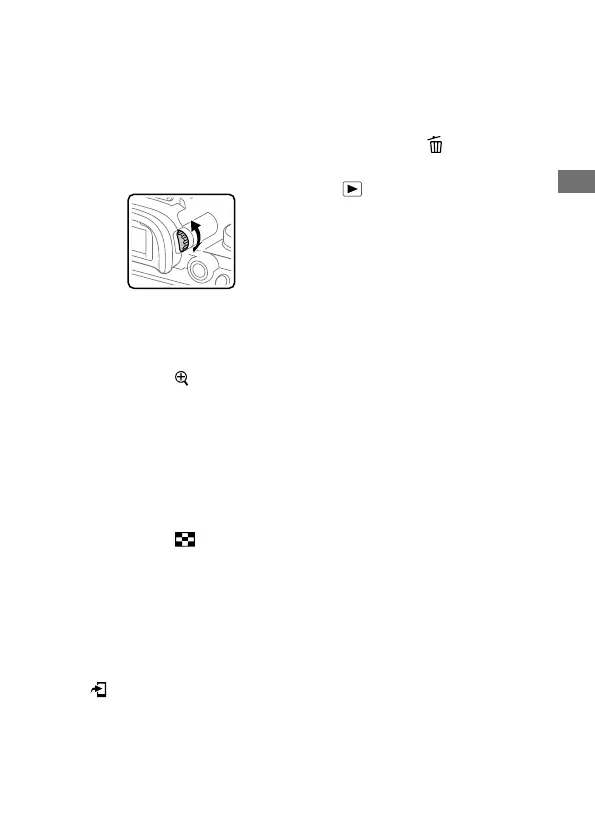
Diopter-adjustment dial
Adjust the diopter-adjustment
dial according to your eyesight
until the display appears clearly
in the viewfinder. If it is hard to
operate the diopter-adjustment
dial, remove the eyepiece cup
before operating the dial.
MOVIE (Movie) button (143)
For shooting: AF-ON (AF On)
button (56)
For viewing:
(Enlarge)
button (157)
Rear dial
You can quickly adjust the
settings for each shooting
mode.
For shooting: AEL button
(113)
For viewing:
(Image Index)
button (160)
Multi-selector (24)
Media slot cover switch
For shooting: Fn (Function)
button (26)
For viewing:
(Send to Smartphone)
button
You can display the screen
for [Send to Smartphone] by
pressing this button.
Control wheel (24)
Access lamp
For shooting: C4 button
(Custom button 4) (25)
For viewing:
(Delete) button
(168)
(Playback) button (156)



 To Next Page