ILCE-9
d-830-100-11 (1)
C:\d830100111\d830100111ILCE9UC2\01GB-ILCE9UC2\070WRL.indd
2019/02/19 10:01
GB
196
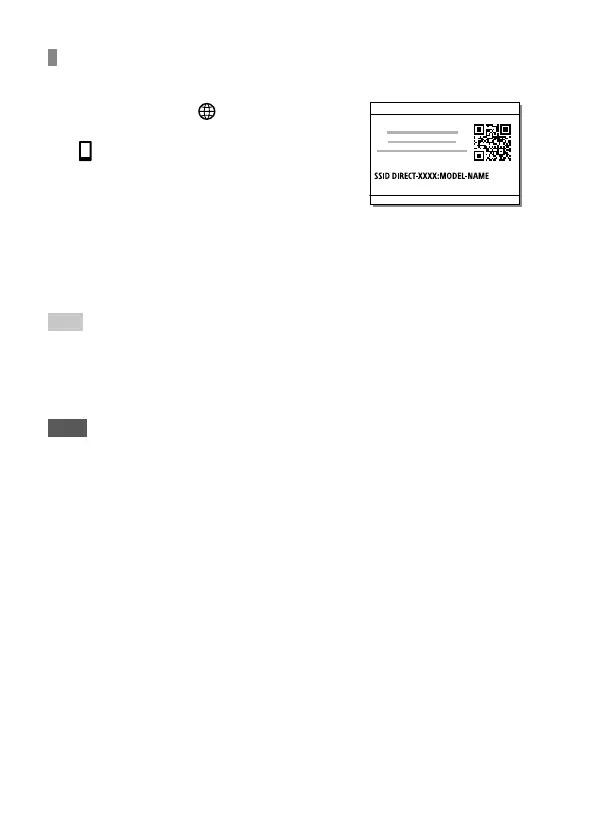
To establish a Wi-Fi connection with a smartphone using
a QR code
Select MENU (Network)
[Ctrl w/ Smartphone]
[ Connection], to display the
QR code on the monitor of the
camera.
Launch Imaging Edge Mobile on the smartphone, and
select [Scan QR Code of the Camera].
Scan the QR code.
Hint
• Once the QR code has been read, this product’s SSID (DIRECT-xxxx) and
password are registered to the smartphone. This enables you to easily
connect the smartphone to the product via Wi-Fi at a later date by selecting
the SSID.
Note
• If you cannot connect this product to a smartphone using the NFC function
or QR code, use the SSID and password. For detailed instructions, refer to the
“Help Guide.”



 To Next Page