C:\d830100111\d830100111ILCE9UC2\01GB-ILCE9UC2\100MEN.indd
2019/02/19 10:01
ILCE-9
d-830-100-11 (1)
GB
211
MENU items/List of icons
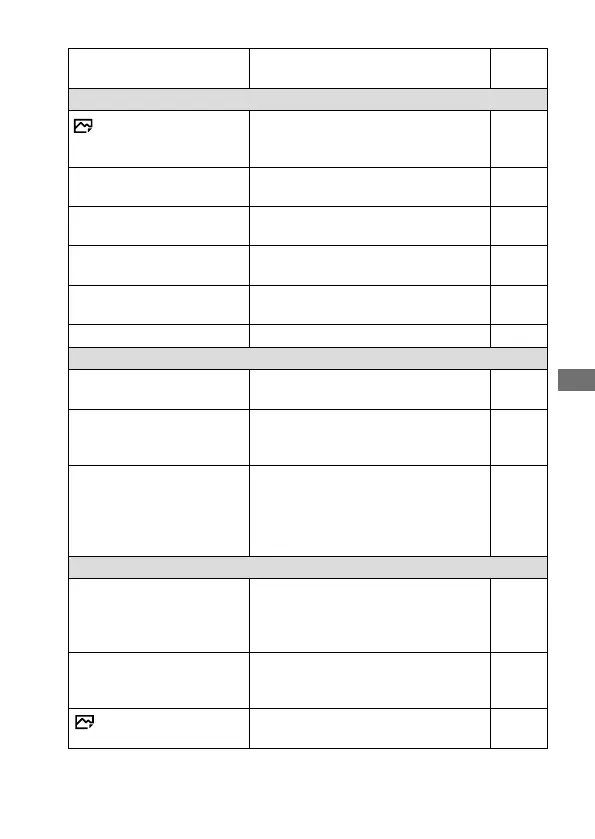
Movie w/ shutter
Records movies using the shutter
button.
145
Shutter/SteadyShot
Shutter Type
Sets whether to shoot with a
mechanical shutter or an electronic
shutter.
73
e-Front Curtain Shutter
Sets whether to use the electronic
front curtain shutter function.
78
Release w/o Lens
Sets whether to release the shutter
when the lens is not attached.
Help
Guide
Release w/o Card
Sets whether to release the shutter
when a memory card is not inserted.
Help
Guide
SteadyShot
Sets whether to activate SteadyShot
for shooting.
132
SteadyShot Settings
Sets SteadyShot settings. 132
Zoom
Zoom
Sets the zoom scale for zoom
functions other than the optical zoom.
122
Zoom Setting
Sets whether to use the Clear Image
Zoom and Digital Zoom when
zooming.
122
Zoom Ring Rotate
Assigns the zoom in/out to the
rotational direction of the zoom lens.
This function is only available with a
power zoom lens that is compatible
with this function.
Help
Guide
Display/Auto Review
DISP Button
Sets the type of information to be
displayed on the monitor or in the
viewfinder when the DISP button is
pressed.
33
FINDER/MONITOR
Sets the method for switching the
display between the viewfinder and
the monitor.
177
Finder Frame Rate
Sets the frame rate for the viewfinder
when shooting still images.
178



 To Next Page