ILCE-9
d-830-100-11 (1)
C:\d830100111\d830100111ILCE9UC2\01GB-ILCE9UC2\020PRE.indd
2019/02/19 10:01
GB
34
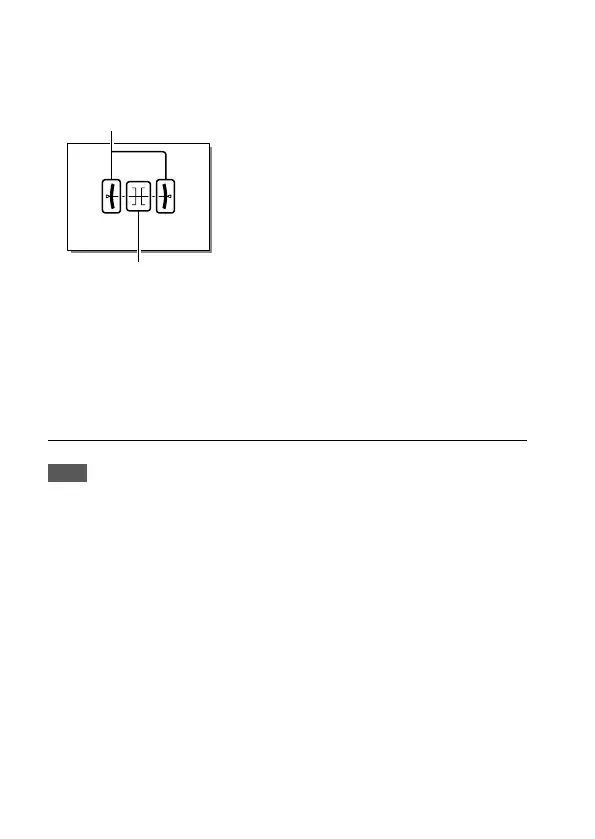
Level: Indicates whether the product is level in both the front-back and
horizontal directions. When the product is level in both directions, the
indicator turns to green.
Horizontal direction
Front-back direction
For viewfinder*: Displays only shooting information on the monitor,
not the subject. This setting is a display setting for shooting with the
viewfinder.
Monitor Off*: Always turns the monitor off when shooting images. You
can use the monitor when playing back images or operating MENU.
This setting is a display setting for shooting with the viewfinder.
* This screen mode is available only in the setting for [Monitor].
Note
• If you tilt the product forward or backward by a large degree, the level error
will be great.
• The product may have a margin of error of almost ±1° even when the
inclination is corrected by the level.



 To Next Page