C:\d830100111\d830100111ILCE9UC2\01GB-ILCE9UC2\030BAS.indd
2019/02/19 10:01
ILCE-9
d-830-100-11 (1)
GB
75
Shooting
*
1
The maximum shutter speed is 1/16000 second when the shooting mode
is not set to S (Shutter Priority) or M (Manual Exposure), or during bracket
shooting with a setting other than [WB bracket] or [DRO Bracket].
*
2
The next value after 1/16000 second is 1/32000 second when the shooting
mode is set to S (Shutter Priority) or M (Manual Exposure).
*
3
When [Shoot. Start Disp.] is set to [On], blackout occurs only when the first
image is shot (page 77).
*
4
The maximum shutter speed is 1/8000 second when performing continuous
shooting with the flash.
Advanced shooting using the electronic shutter: Shooting
without shutter sound
You can use the electronic shutter to shoot without shutter sound.
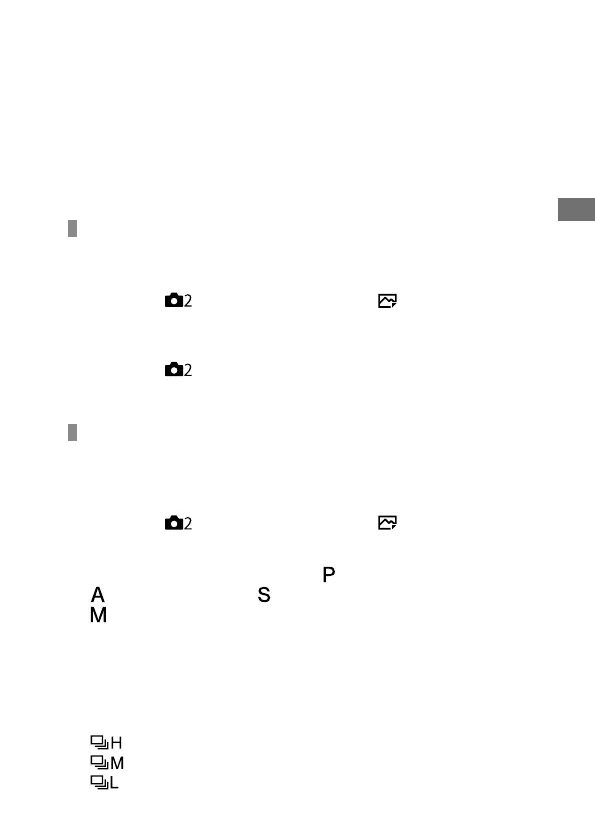
MENU (Camera Settings 2) [ Shutter Type]
[Electronic Shutter].
• Select [Electronic Shutter] or [Auto] for continuous shooting.
MENU (Camera Settings 2) [Audio signals]
[Off] or [On: other than e-shut].
Advanced shooting using the electronic shutter: Blackout-
free continuous shooting
You can use the electronic shutter to perform continuous shooting with
focus and exposure tracking, without the screen blacking out.
MENU (Camera Settings 2) [ Shutter Type]
[Auto] or [Electronic Shutter].
Turn the mode dial and select
(Program Auto),
(Aperture Priority), (Shutter Priority), or
(Manual Exposure), then set the shutter speed
and aperture value. (For example: shutter speed of
1/250second and aperture value of F2.8)
• The product will not adjust the exposure in manual exposure mode
when [ISO] is set to other than [ISO AUTO].
Turn the drive mode dial and select
(Continuous Shooting: Hi),
(Continuous Shooting: Mid), or
(Continuous Shooting: Lo).



 To Next Page