Help Guide
Color Video Camera
BRC-AM7
Replacing a Saved Preset Position with a New Position Using the Web App
You can replace a saved preset position with a new position.
TP1001804503
5-065-326-11(1) Copyright 2024 Sony Corporation
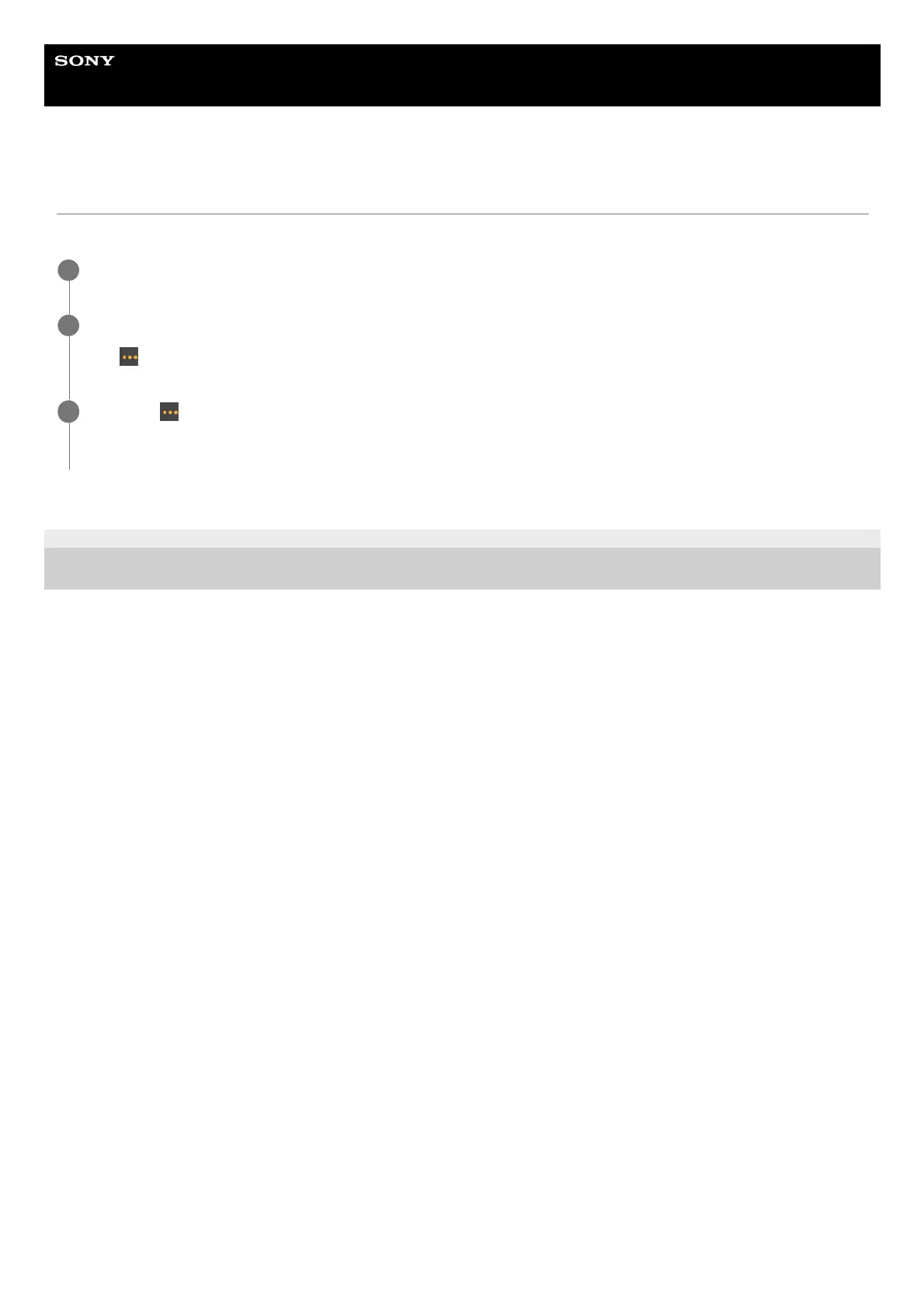
Determine the position that you want to save using pan/tilt and zoom operations.
1
Press the position image you want to replace in the preset position control panel.
The
(Preset position menu) button appears at the top right of the image.
2
Press the
(Preset position menu) button and select [Replace] from the displayed menu.
The new position replaces the current setting.
3



 To Next Page