Help Guide
Color Video Camera
BRC-AM7
Mounting Upright in a Fixed Location
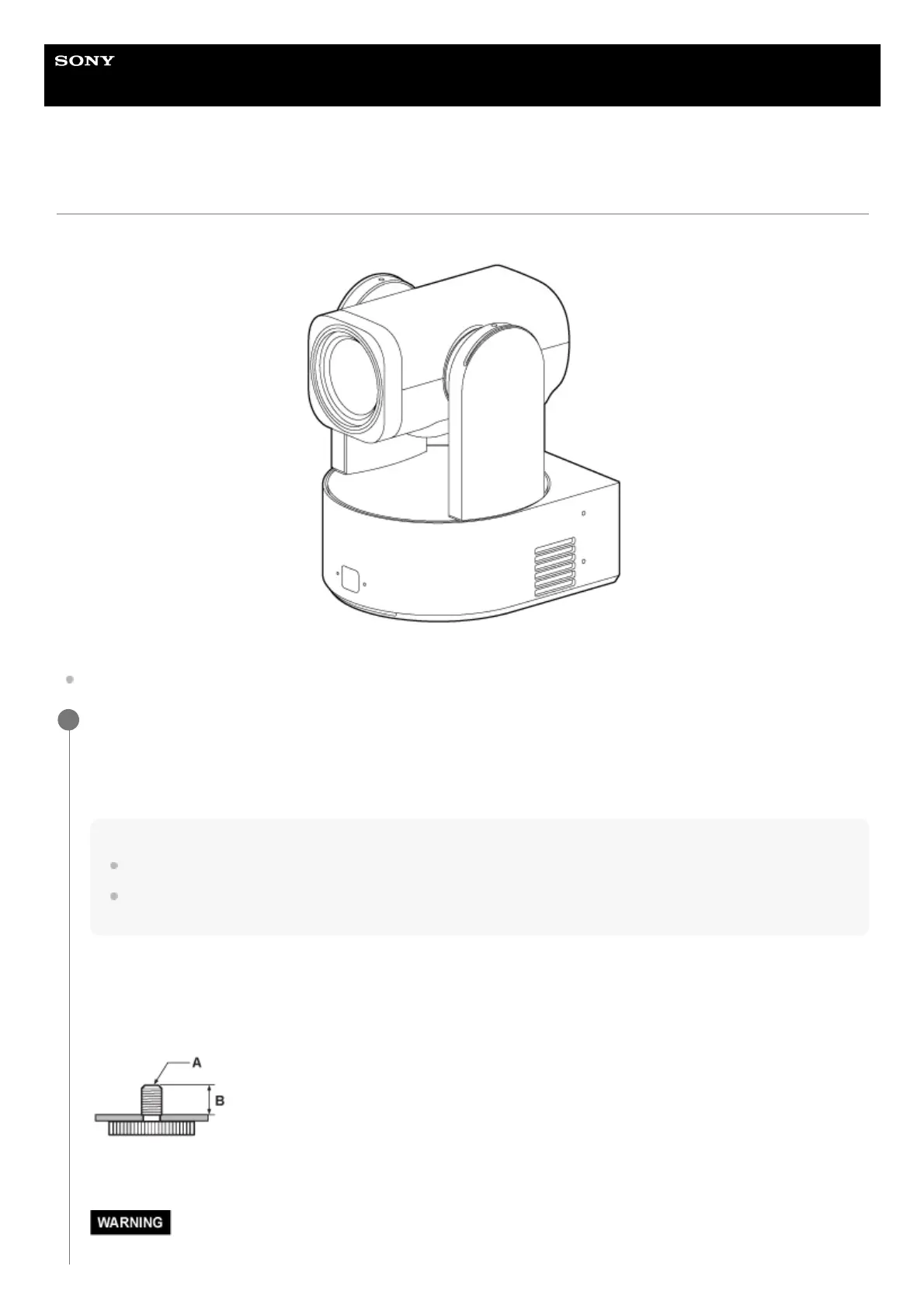
This topic describes mounting the unit on a desktop or tripod.
Installation note
To prevent unit failure, do not hold the camera head while working.
Check the mounting space.
When mounting on a desktop
Mount this unit on a flat surface, taking into consideration the space required for turning the camera head and the wiring
at the rear of the unit.
Note
Mount it in a stable location that is not subject to vibration. Locations subject to vibration may cause vibration in the image.
If the unit must be mounted on an inclined surface, keep it within ±15° of the horizontal and take measures to prevent the unit
from falling.
When mounting on a tripod
Attach the tripod to the tripod mounting screw hole on the bottom.
Use a tripod mounting screw with the following amount of protrusion from the mounting surface, and tighten it with a
hand screwdriver.
A: Tripod mounting screw 1/4-20 UNC screw or 3/8-16 UNC screw
B: Protrusion (4.5 mm to 5.5 mm)
1



 To Next Page