Help Guide
Color Video Camera
BRC-AM7
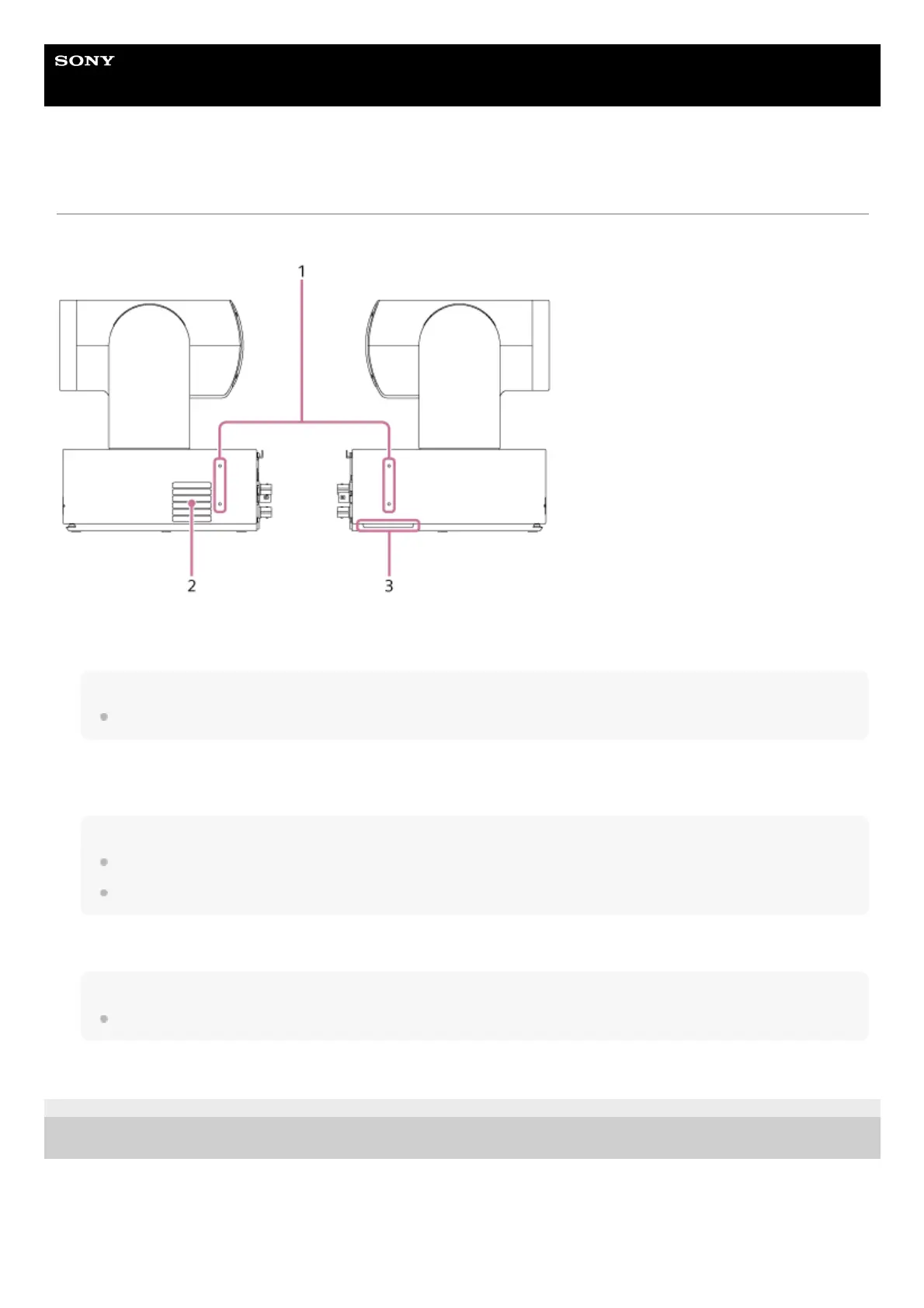
Side View
This topic describes the location and function of parts on the side of the unit.
TP1001804457
5-065-326-11(1) Copyright 2024 Sony Corporation
Screw holes for external devices (4 places)
For M3 screws of up to 6 mm (1/4 inch) length.
Note
Do not use screws longer than 6 mm (1/4 inch). Doing so may cause a malfunction.
1.
Air outlet
Emits heat from inside the unit.
Note
Do not cover the air outlet. Doing so may cause a malfunction.
Note that the area near the air outlet may become hot.
2.
Air inlet
Note
Do not block the air flow. Doing so may cause a malfunction.
3.



 To Next Page