Help Guide
Color Video Camera
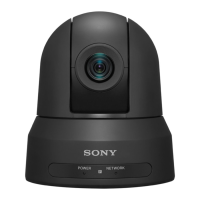
BRC-AM7
[Edit User]
The [Edit User] menu is displayed at the top level when [Edit User Menu] is selected in the [User] menu.
TP1001804587
5-065-326-11(1) Copyright 2024 Sony Corporation
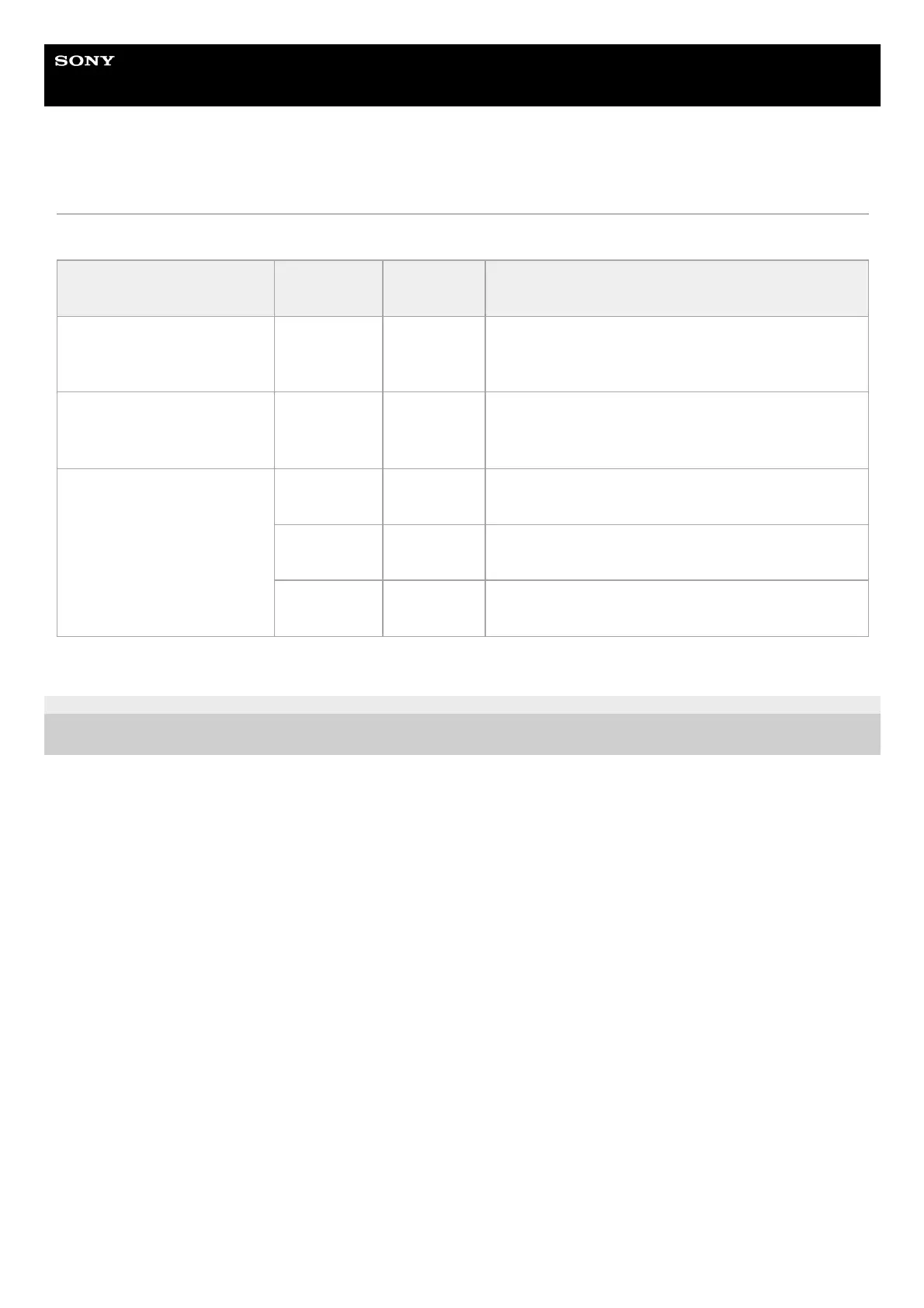
Item
Sub-item
setting
Factory
default
Description
[Add Item]
Add an item to the [User]
menu
– – Adds a level 2 menu item to the [User] menu.
[Customize Reset]
Reset the items in the [User]
menu
– –
Restores the menu items registered in the [User] menu
to the factory default.
Level 2 menu item selected
during editing
[Delete] –
Deletes the registered level 2 menu item from the [User]
menu.
[Move] –
Rearranges the registered menu items within the [User]
menu.
[Edit Sub
Item]
–
Edits (register/delete) the registered level 3 menu sub-
item in the [User] menu.



 To Next Page