Note
Camera positions outside the limit positions cannot be saved as a preset.
If the [Pan-Tilt] – [P/T Direction] – [Ceiling] setting is changed, the configured limit position settings are returned to the factory defaults.
The setting cannot be changed during playback, during thumbnail display, when a pan/tilt error occurs, and when pan/tilt is not
initialized.
TP1001804668
5-065-326-11(1) Copyright 2024 Sony Corporation
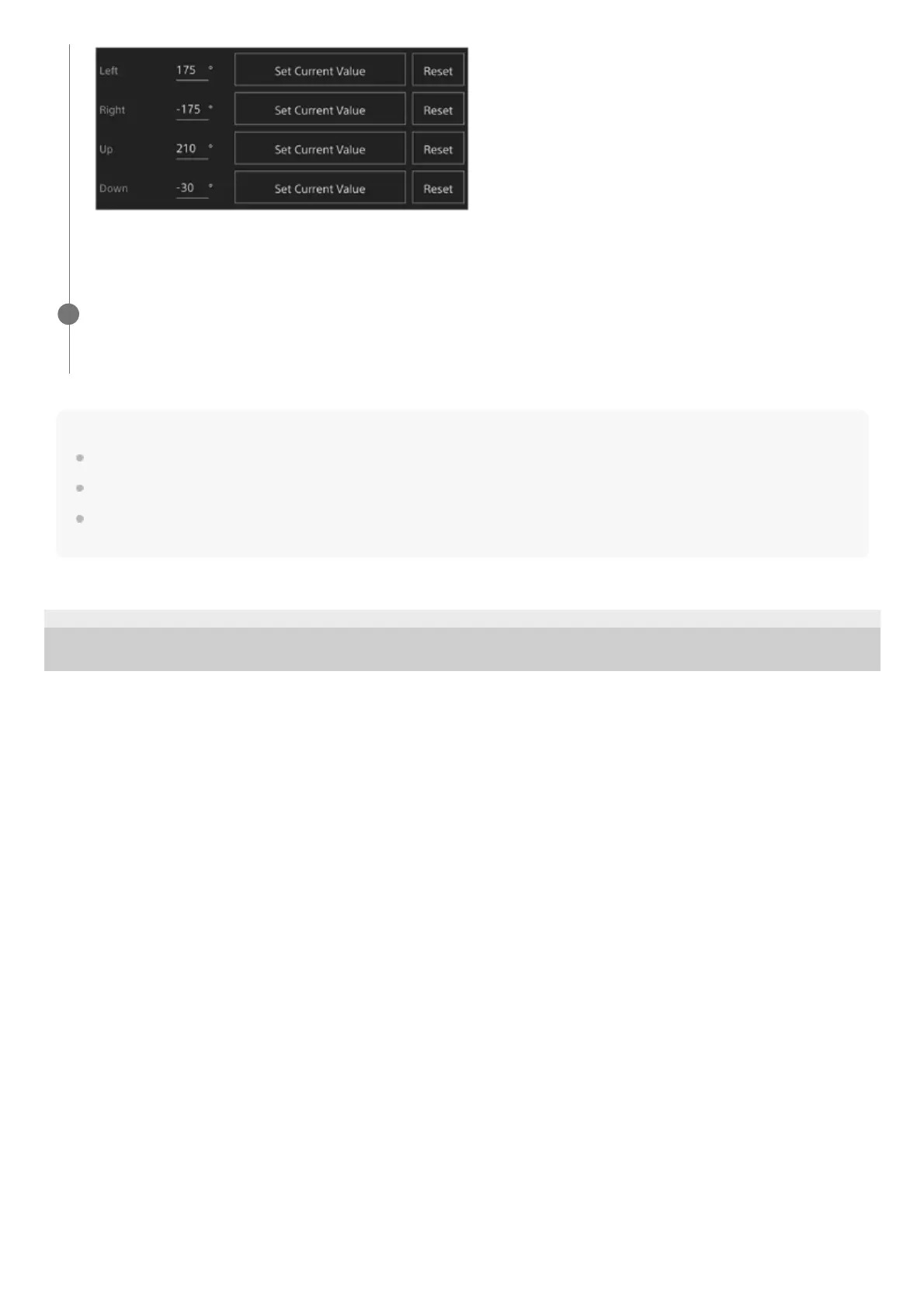
The limit positions are set and are displayed as numeric values (angle).
To cancel a limit, press the [Reset] button for the individual positions.
Press the [OK] button.
The pan/tilt operation is restricted to stay within the configured limit positions.
4



 To Next Page