Help Guide
Color Video Camera
BRC-AM7
Playing Recorded Clips
You can play recorded clips when the unit is in recording standby mode.
This topic describes how to play recorded clips using the GUI control panel.
Insert the memory card to play.
1
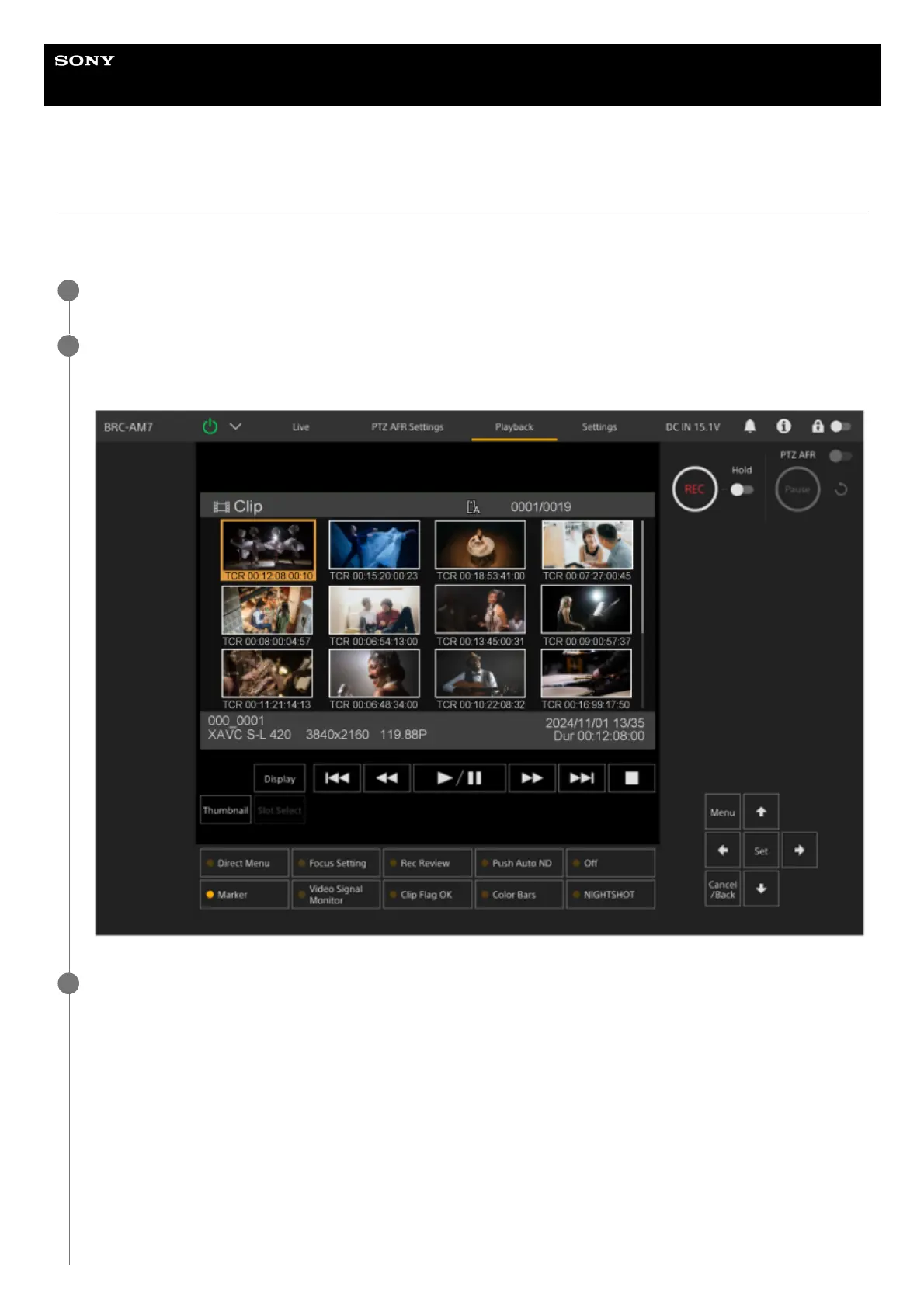
Press the [Thumbnail] button.
The clip thumbnails appear.
2
Use the arrow buttons in the GUI control panel to move the cursor to the thumbnail for the clip you want to
play.
3



 To Next Page