Note
There may be momentary picture breakup or still image display at the boundary between clips. You cannot operate the unit during this
period.
When you select a clip in the thumbnail screen and begin playback, there may be momentary picture distortion at the start of the clip.
To view the start of the clip without distortion, pause playback, press the
(Previous) button to return to the start of the clip, and
start playback again.
Note
Clips cannot be selected by touch operation.
Press the [Set] button in the GUI control panel.
Playback begins from the start of the selected clip.
4
Operate the playback control panel as required.
Hint
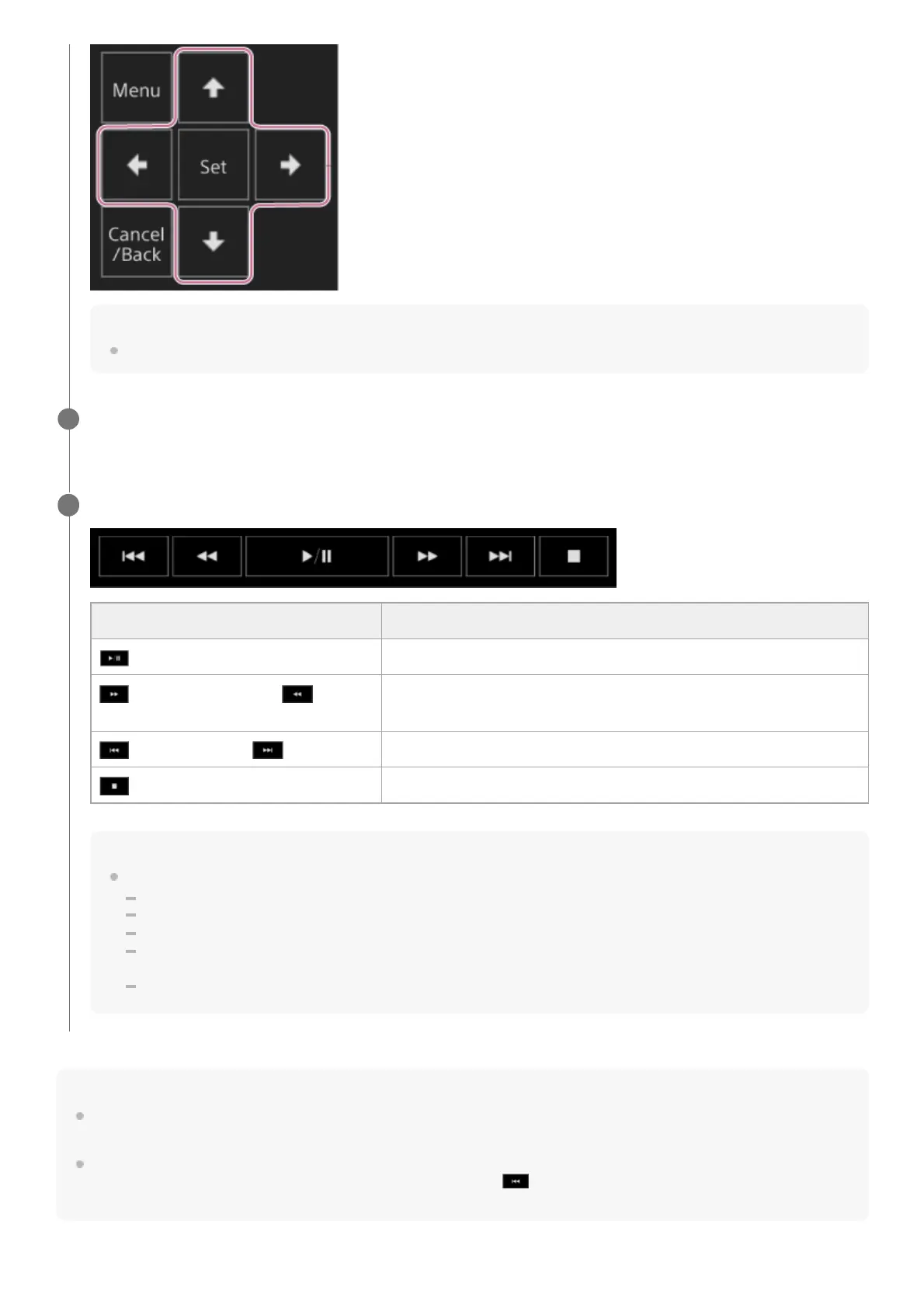
You can also control operation using the GUI control panel.
Play: Press the [Set] button.
Playback pause: Press the [Set] button during playback. Press again to return to normal playback.
Jump to start of clip/start of next clip: Press the left button/right button.
Fast forward/reverse: Press and hold the left button/right button. The playback returns to normal speed when you release the
button.
Stop playback: Press the [Cancel/Back] button.
5
Button Function
(Play/Pause) button Plays a clip. During playback, pauses the clip.
(Fast Forward) button, (Fast
Reverse) button
Plays a clip at high speed. When the button is pressed, the playback
speed changes in three steps.
(Previous) button, (Next) button Jumps to start of clip or the previous/next clip.
(Stop) button Stops playback and switches to the shooting screen.



 To Next Page