Help Guide
Color Video Camera
BRC-AM7
Mounting on a Ceiling
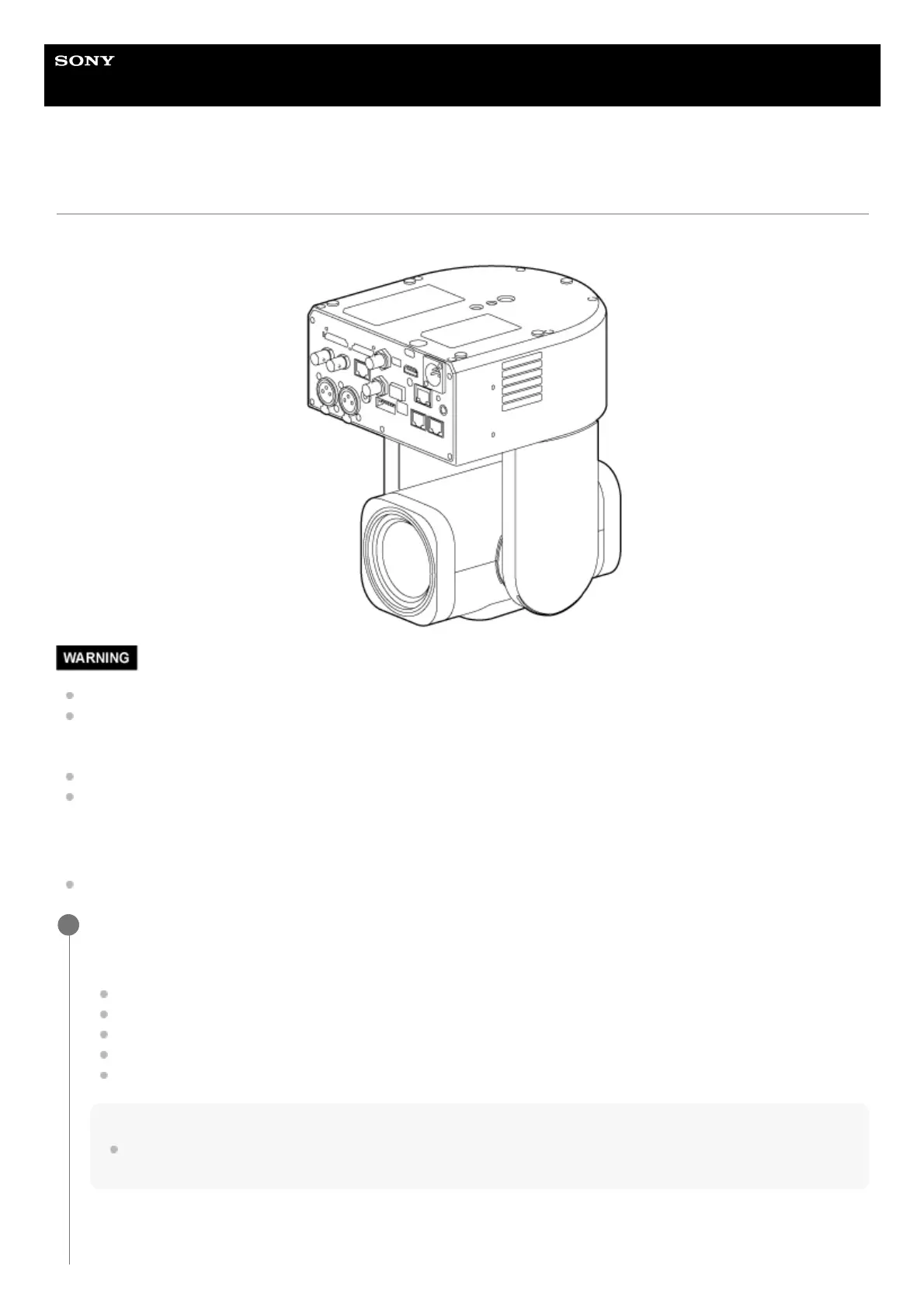
This topic describes how to mount the unit on a ceiling using the supplied ceiling bracket.
To mount the unit on a ceiling, ask a professional contractor.
When mounting on a ceiling, make sure that the mounting surface and mounting material (excluding accessories) can
support 200 kg (440 lb 15 oz) or more, and mount the unit as described in this Help Guide. If the mounting is not sturdy
enough, the unit may fall and cause serious injury.
Attach the supplied fall prevention wire rope to the unit to prevent the unit from falling.
When the unit is mounted on a ceiling, check that the mounting has not become loose once a year. Shorten the
inspection interval according to the usage conditions.
Installation note
To prevent unit failure, do not hold the camera head while working.
Check the ceiling mounting accessories and mounting space.
Before you start, check that you have the following parts.
Ceiling bracket (A) (1)
Ceiling bracket (B) (1)
Fall prevention wire rope (1)
+PSW M3×8 screws (6)
+PSW M4×8 stainless steel screw for fall prevention wire rope (1)
Note
The fall prevention wire rope is designed to support the unit when suspended. Do not apply any load to it other than the load of
the unit.
Mounting space
1



 To Next Page