Help Guide
Color Video Camera
BRC-AM7
Configuring PTZ Auto Framing Initial Settings
This topic describes how to configure PTZ auto framing initial settings.
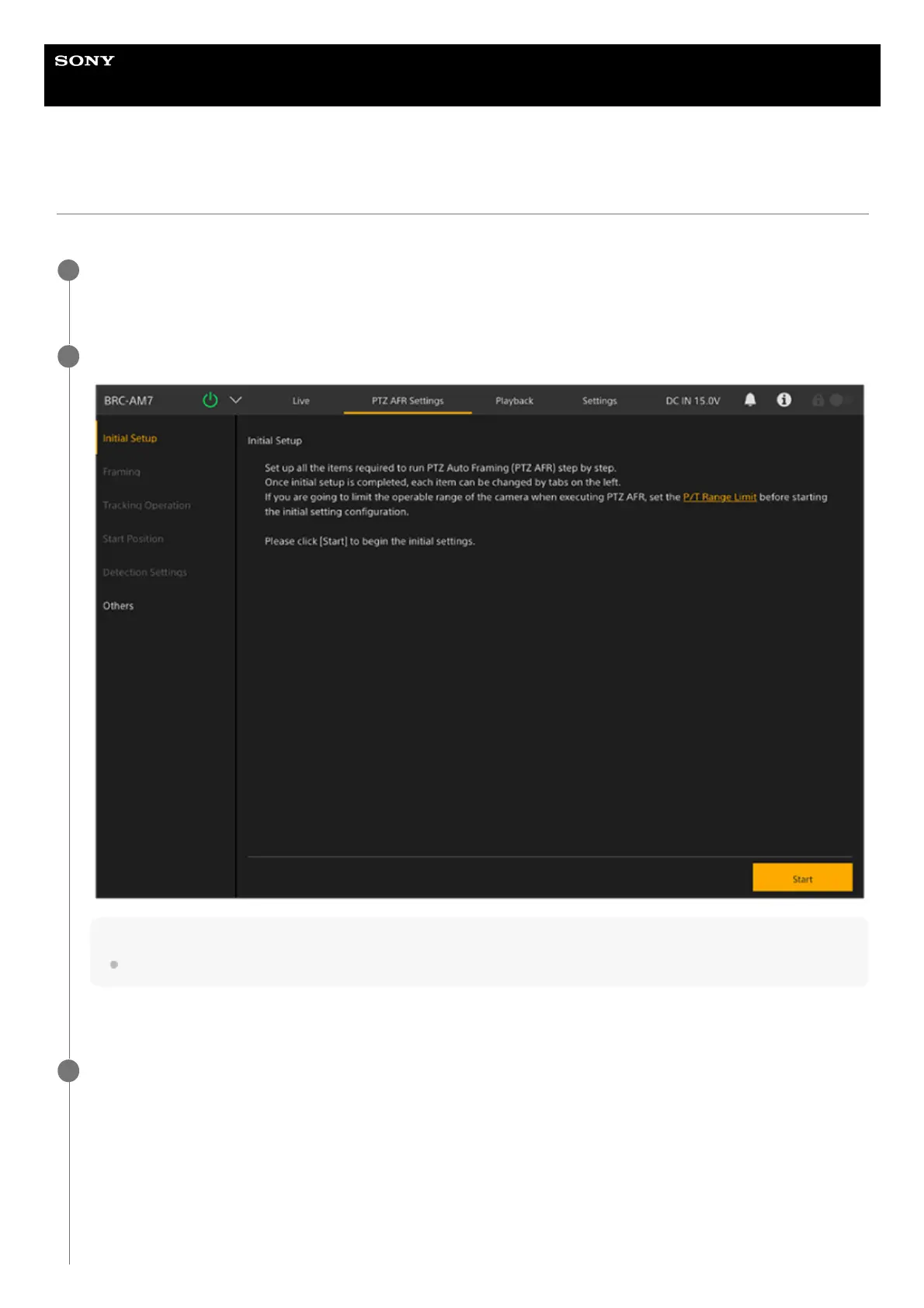
Press the [PTZ AFR Settings] tab.
The [Initial Setup] screen of the PTZ AFR setup screen appears.
1
Check the description on the screen and press the [Start] button.
Hint
The [Start] button is displayed only when configuring settings for the first time.
Configuration of the PTZ auto framing settings starts.
2
Adjust the desired PTZ auto framing composition on the [Framing] screen.
3



 To Next Page