Help Guide
Color Video Camera
BRC-AM7
Specifying the Subjects for Automatic Tracking (manual tracking start mode)
In this mode, you manually specify the person you want to track to start tracking.
Check that the human tracking start mode is set to manual tracking start mode on the PTZ AFR setup screen.
For details about the tracking start mode, see “Configuring PTZ Auto Framing Initial Settings.”
If the initial settings have not been configured, the unit operates in manual tracking start mode.
1
Capture the person you want to track in the Web App framing control panel using the camera.
Hint
You can also recall a preset position setting and use that framing to capture a person.
2
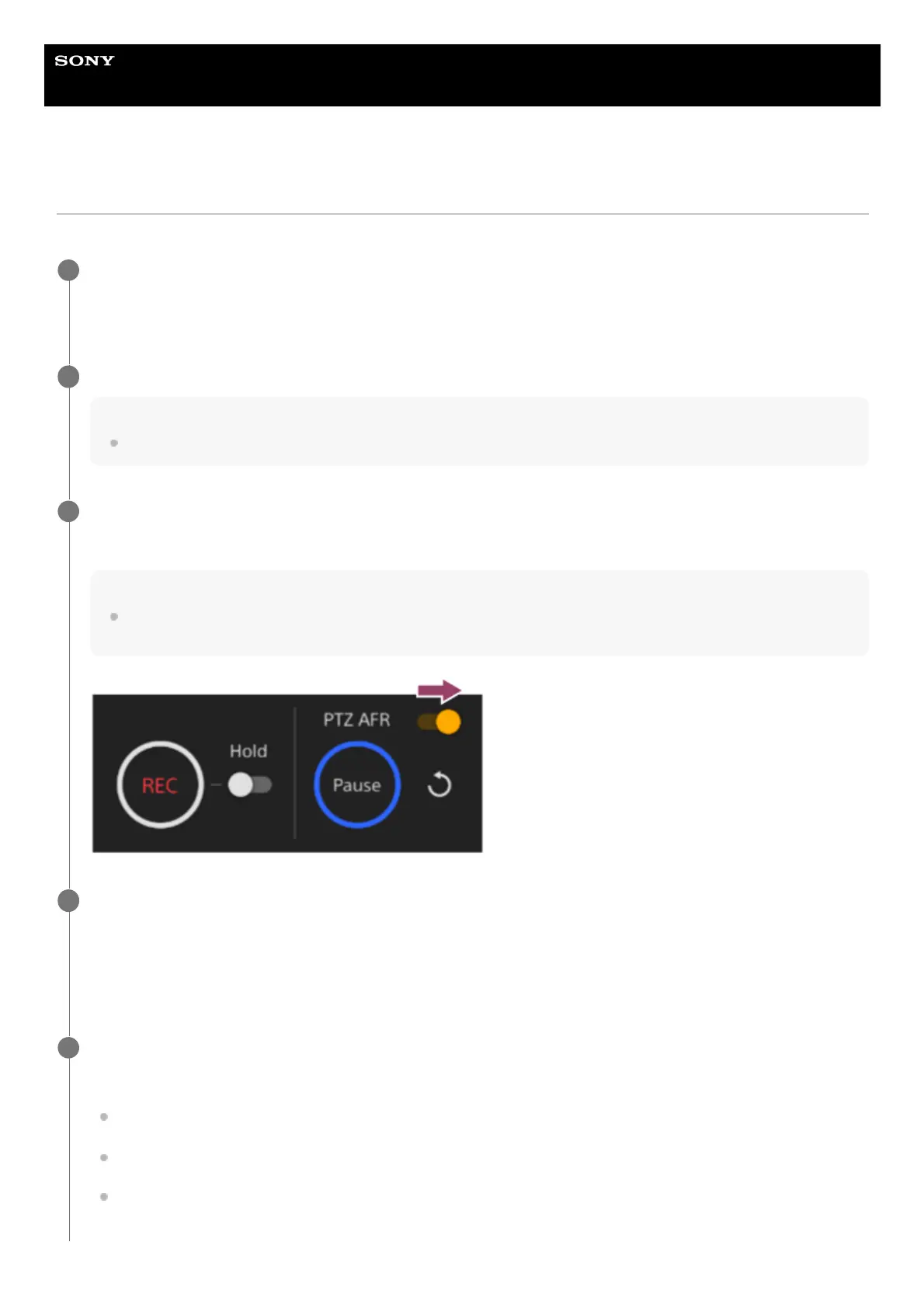
Set the [PTZ AFR] switch to the on position on the live operation screen.
The area around the [Pause] button blinks blue.
Hint
You can also press the PTZ AUTO FRAMING ON button and OFF button of the supplied infrared remote control to set the [PTZ
AFR] switch on/off.
3
Tap a person to track in the camera image panel.
The area around the [Pause] button is lit blue.
During auto tracking, the [Pause] button is enabled.
You can change the person to track at any time during auto framing. Tap the person you want to track to switch the
tracking target to that person.
4
Press the [Pause] button to pause pan/tilt/zoom operation due to auto tracking, as required.
The area around the [Pause] button blinks blue.
If you press the [Pause] button during auto framing, the pan/tilt/zoom operation due to auto tracking is paused, and
the button changes to a [Resume] button. To resume auto framing, press the [Resume] button.
If you operate the joystick/zoom slider or recall a preset position during auto framing, the pan/tilt/zoom operation due
to auto tracking is paused, and the button changes to a [Resume] button. To resume, press the [Resume] button.
You can also tap a person to track to resume, instead of using the [Resume] button.
5



 To Next Page