Help Guide
Color Video Camera
BRC-AM7
Recalling a PTZ Auto Framing Composition Preset
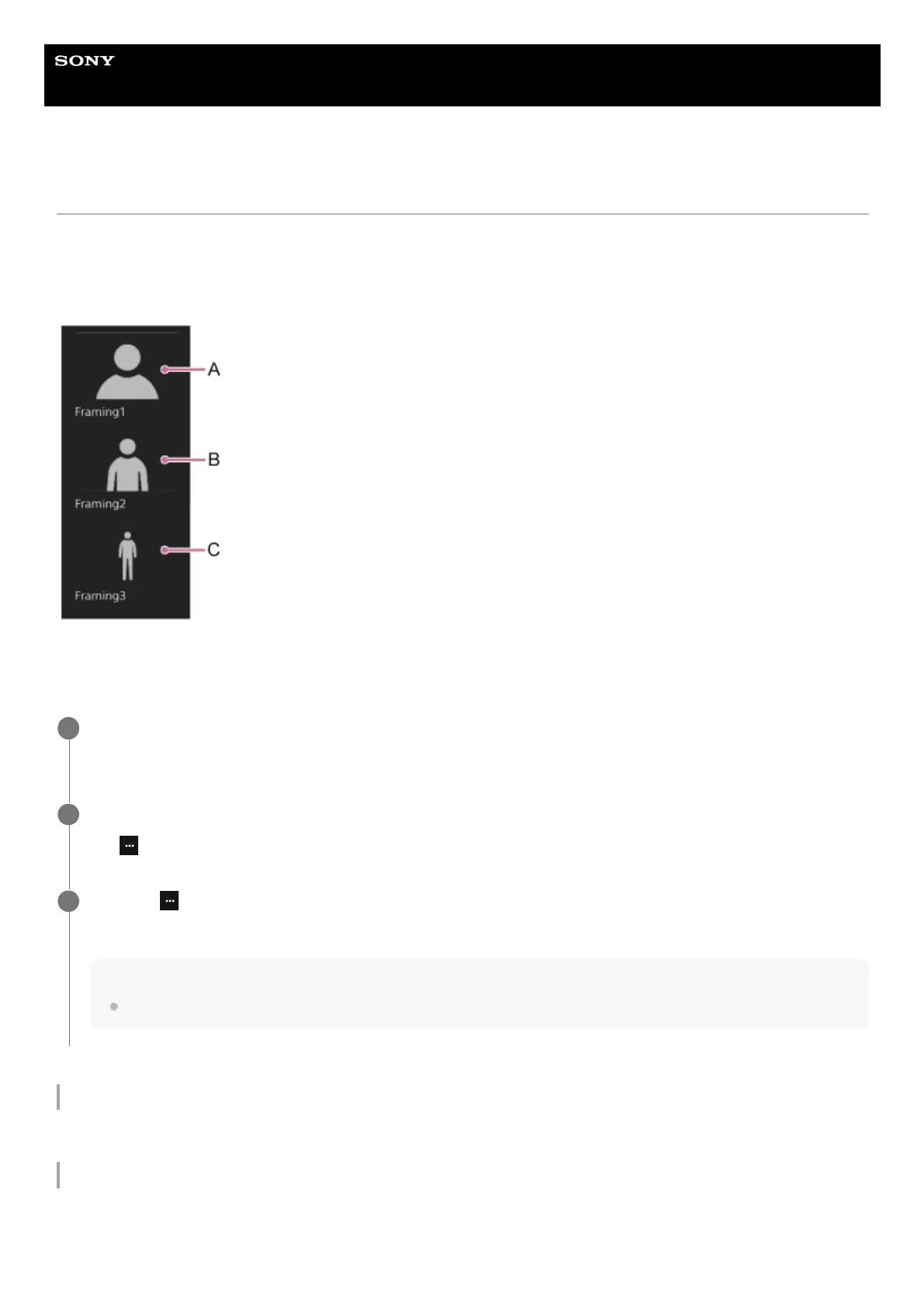
When PTZ auto framing is enabled, three composition presets are displayed on the live operation screen.
You can change the composition instantly by recalling a composition preset instead of operating the AFR composition
adjustment panel.
The unit is shipped with three typical composition presets.
A: Close-up size
B: Waist size
C: Full body size
To rename a composition preset
You can rename a composition preset. For details, see “Renaming a PTZ Auto Framing Composition Preset.”
To change a composition preset
You can change a composition preset. For details, see “Switching a PTZ Auto Framing Composition Preset to a New Preset.”
Set the [PTZ AFR] switch to the on position on the live operation screen.
The composition preset control panel is displayed on the left side of the live operation screen.
1
Press the composition preset to recall.
The
(Preset Framing Menu) button appears at the top right of the image.
2
Press the (Preset Framing Menu) button and select [Recall] from the displayed menu.
The selected composition preset is recalled in the AFR composition adjustment panel.
Hint
You can also double-tap a composition preset to recall it.
3



 To Next Page