Help Guide
Color Video Camera
BRC-AM7
Using Manual Focus Temporarily During Auto Focus (Push Manual Focus)
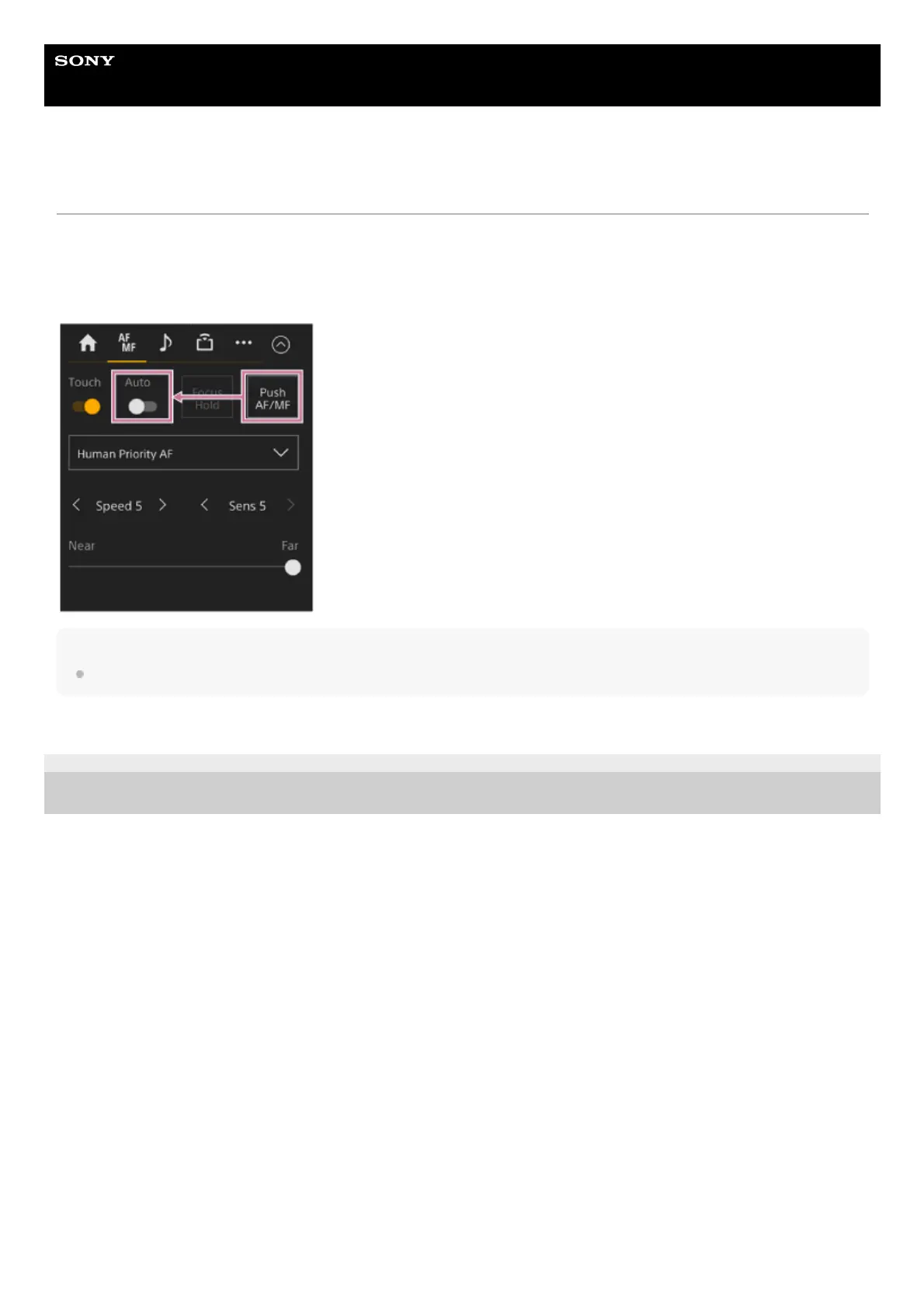
Press the [Push AF/MF] button when in auto focus mode to focus manually while the button is pressed. The focus returns to
auto focus when you release the button.
This allows you to temporarily stop auto focus and focus manually when something that is not the subject of shooting crosses
in front of the subject.
Hint
The same operation is supported using an assignable button assigned with [Push AF/MF].
TP1001804526
5-065-326-11(1) Copyright 2024 Sony Corporation



 To Next Page