Help Guide
Color Video Camera
BRC-AM7
AF Tracking a Specified Subject (Realtime Tracking AF)
You can maintain focus on a subject by specifying the subject by touch operation or by selecting a subject recognition frame
on the camera image panel.
When a subject is selected, a white tracking frame is displayed and tracking starts.
Hint
Tracking occurs over the entire image area, regardless of the focus area setting.
When [Shooting] – [Focus] – [Touch Function in MF] is set to [Tracking AF] in the web menu or camera menu, realtime tracking AF is
supported even when the focus mode is MF mode.
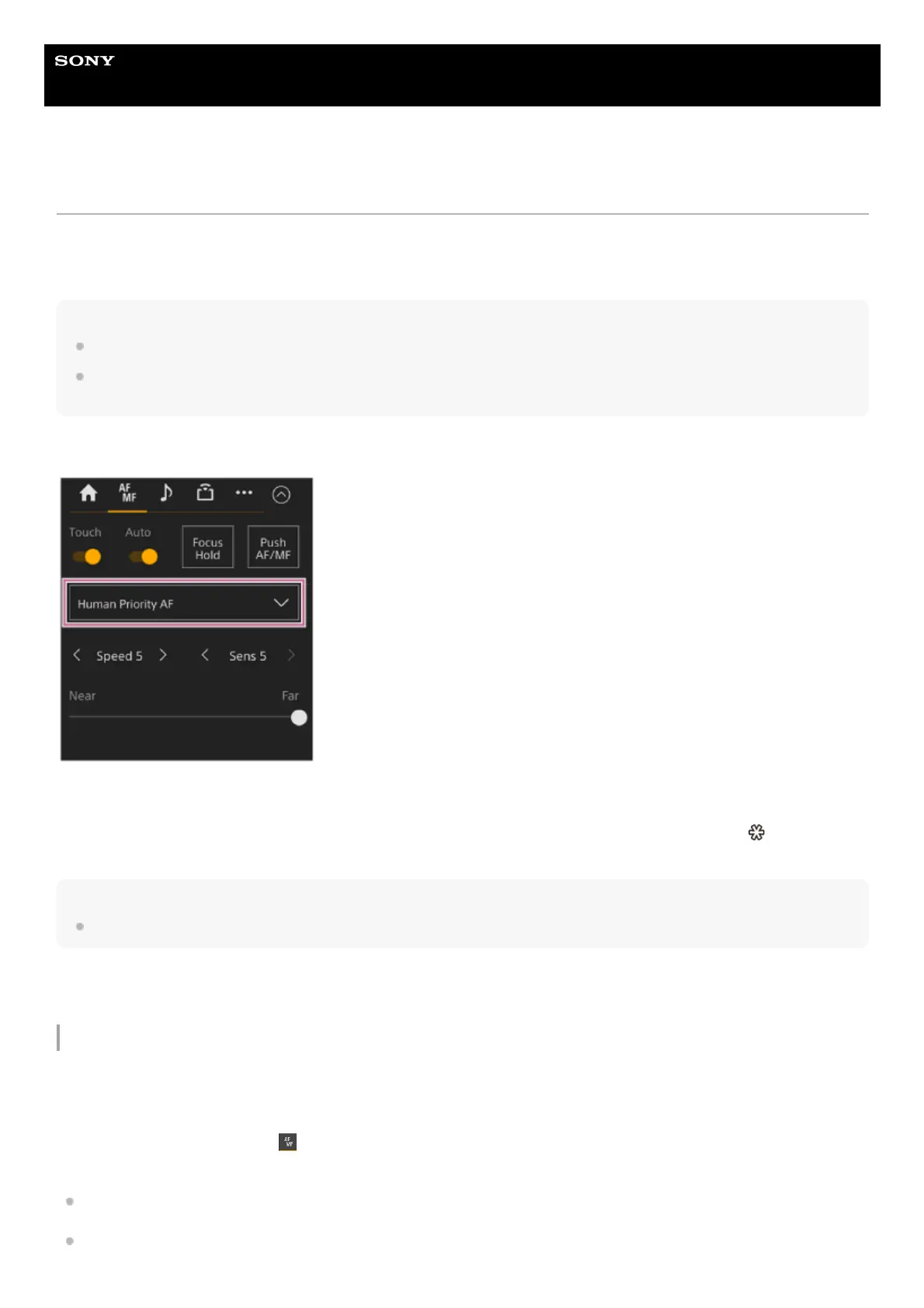
The following actions occur for the tracking target, depending on the subject recognition AF operating mode.
[Human Only AF] or [Human Priority AF]: Focusing and tracking of the specified subject.
If the tracking target is a person and a face/eye/head/body is detected, the camera focuses on that face/eye/head/body.
When a tracking target face/eye/head/body is detected, the tracking target face is saved. When saved, the
(saved tracking
face) icon is displayed.
Note
If tracking AF is started during manual focus, the tracking target face is not saved.
[AF]: Use for focusing and tracking of a specified subject. Face/eye/head/body detection does not occur, even if the tracking
target is a person.
Starting realtime tracking AF
When a specific subject is specified as the tracking target, tracking of that target starts.
Specifying by touch operation
Slide [Touch Focus] switch on the
(Focus) tab in the camera control panel to the right position to turn it on, then tap the
target subject to track in any of the following states.
During manual focus or during push manual focus, and when [Shooting] – [Focus] – [Touch Function in MF] is set to
[Tracking AF] in the web menu or camera menu
During auto focus or during push auto focus (AF)



 To Next Page