Help Guide
Color Video Camera
BRC-AM7
[Marker]
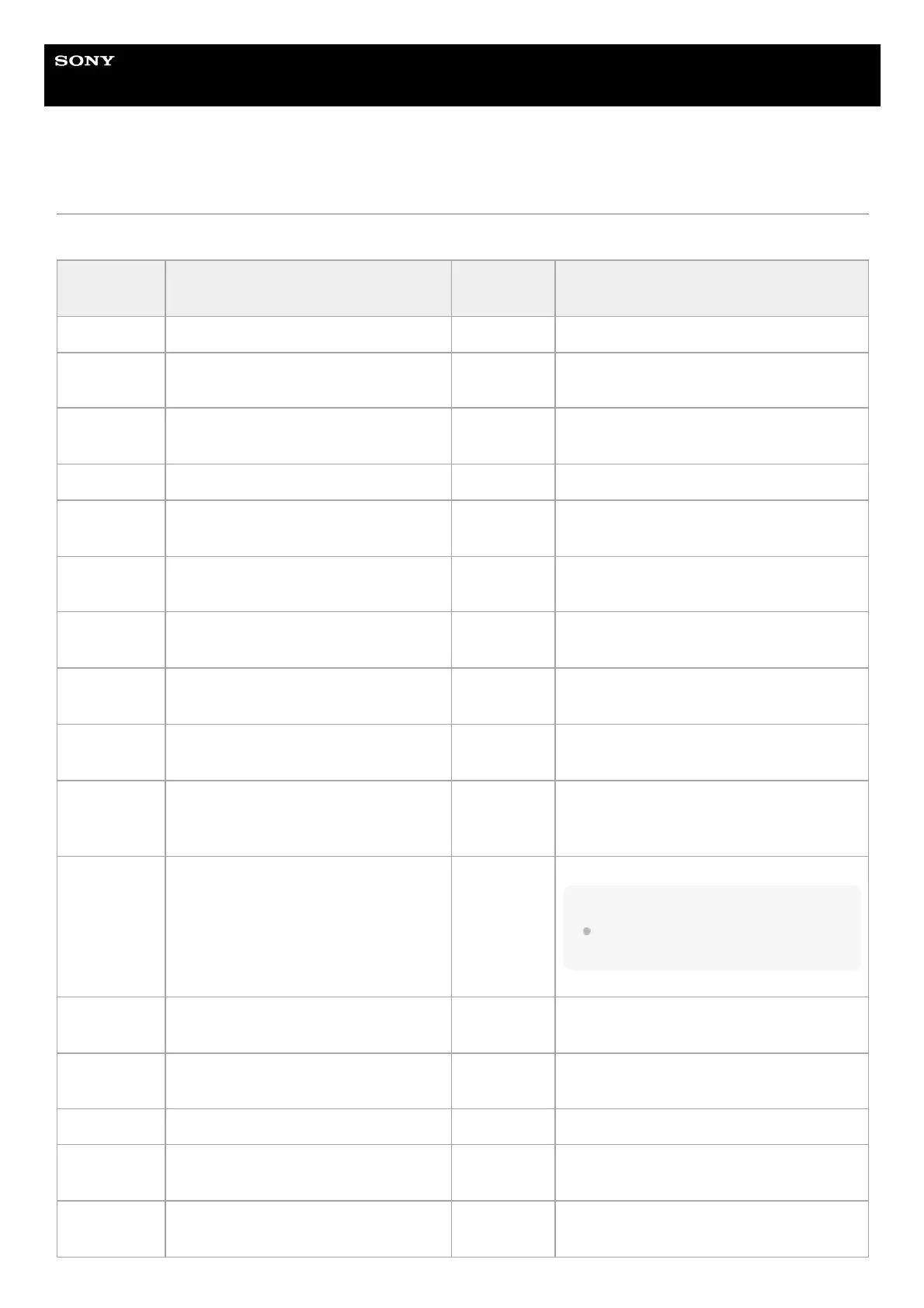
Sets marker display settings.
Item Sub-item setting
Factory
default
Description
[Setting]
[On] / [Off] [On] Turns the display of all markers on/off.
[Color]
[White] / [Yellow] / [Cyan] /[Green] /
[Magenta] / [Red] / [Blue]
[White] Selects the marker signal color.
[Center
Marker]
1 / 2 / 3 / 4 / [Off] [Off] Selects the center marker.
[Safety Zone]
[On] / [Off] [Off] Turns the safety zone marker on/off.
[Safety Area]
80% / 90% / 92.5% / 95% 90%
Selects the size of the safety zone marker (as
a percentage of total screen size).
[Aspect
Marker]
[Line] / [Mask] / [Off] [Off] Selects the type of aspect marker.
[Aspect Mask] 0 to 15 12
Sets the level of the video signal outside the
marker.
[Aspect
Safety Zone]
[On] / [Off] [Off] Turns the aspect safety zone marker on/off.
[Aspect
Safety Area]
80% / 90% / 92.5% / 95% 90%
Selects the size of the aspect safety zone
marker (as a percentage of total screen size).
[Aspect
Select]
1:1 / 4:3 / 13:9 / 14:9 / 15:9 / 17:9 /
1.66:1 / 1.85:1 / 2.35:1 / 2.39:1 /
[Custom]
2.39:1
Sets the mode when displaying the aspect
marker.
[Custom
Aspect Ratio]
Enter an arbitrary value. 01.00:01.00
Sets the aspect ratio to an arbitrary value.
Note
The setting is applied when [Aspect Select]
is set to [Custom].
[Guide
Frame]
[On] / [Off] [Off] Turns the guide frame display on/off.
[100%
Marker]
[On] / [Off] [Off] Turns the 100% marker display on/off.
[User Box]
[On] / [Off] [Off] Turns the user box marker display on/off.
[User Box
Width]
3 to 479 240
Sets the user box marker width (distance
from the center to the left and right edges).
[User Box
Height]
3 to 269 135
Sets the user box marker height (distance
from the center to the top and bottom edges).



 To Next Page