Help Guide
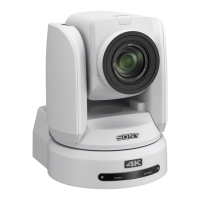
Color Video Camera
BRC-AM7
[File Transfer]
Sets settings related to file transfers.
TP1001804682
5-065-326-11(1) Copyright 2024 Sony Corporation
Item Sub-item setting
Factory
default
Description
[Auto Upload
(Proxy)]
[On] / [Off] [Off] Turns proxy clip auto upload on/off.
[Default
Upload
Server]
Server Settings1 to
3 – [Display Name]
[Server
Settings1]
Selects the upload server for files. The server selected here becomes
the auto upload destination for proxy clips, and the upload
destination for files from the thumbnail screen.
Displays the [Display Name] settings configured in [Server Settings1
to 3].



 To Next Page