Help Guide
Color Video Camera
BRC-AM7
[SSH]
Sets settings related to SSH.
SSH must be enabled to use the unit in applications using the Camera Remote SDK. Enable only for applications that you
trust.
Sony shall not be liable for any loss arising from the operation of the application.
[SSH]
Set the SSH setting.
[Camera]
Displays the model name and serial number of the camera.
TP1001804685
5-065-326-11(1) Copyright 2024 Sony Corporation
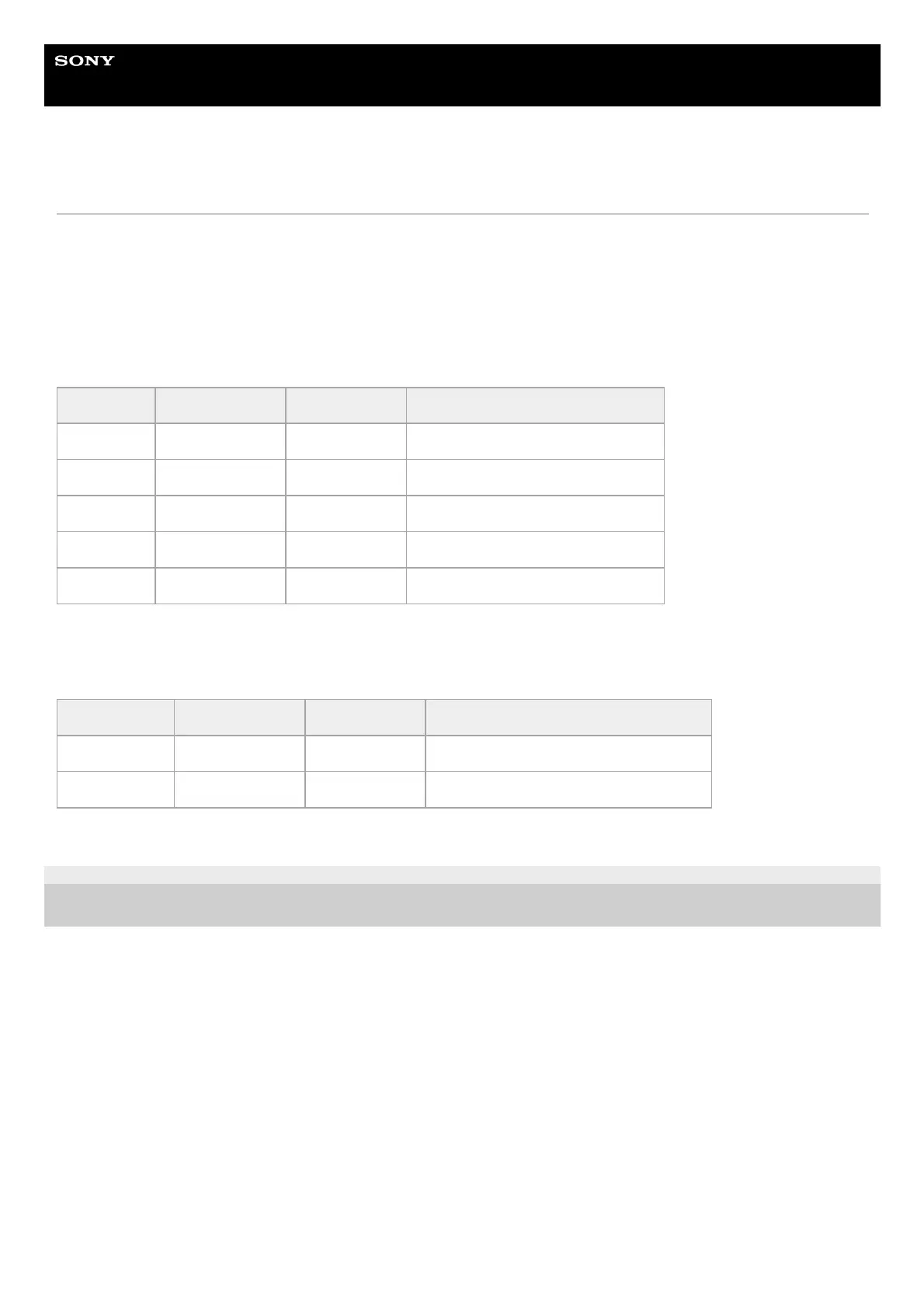
Item Sub-item setting Factory default Description
[Setting]
[On] / [Off] – Enables/disables the SSH function.
[User Name] – – Sets/displays the user name.
[Password] – – Sets the password.
[Fingerprint] – – Displays the fingerprint.
[Reset] – – Resets the user name and password.
Item Sub-item setting Factory default Description
[Model Name] – – Displays the model name of the camera.
[Serial Number] – – Displays the serial number of the camera.


 To Next Page
 Loading...






