Help Guide
Color Video Camera
BRC-AM7
Accessing the Web App from a Web Browser
By connecting the unit to a tablet or computer, you can operate and configure the unit from a web browser.
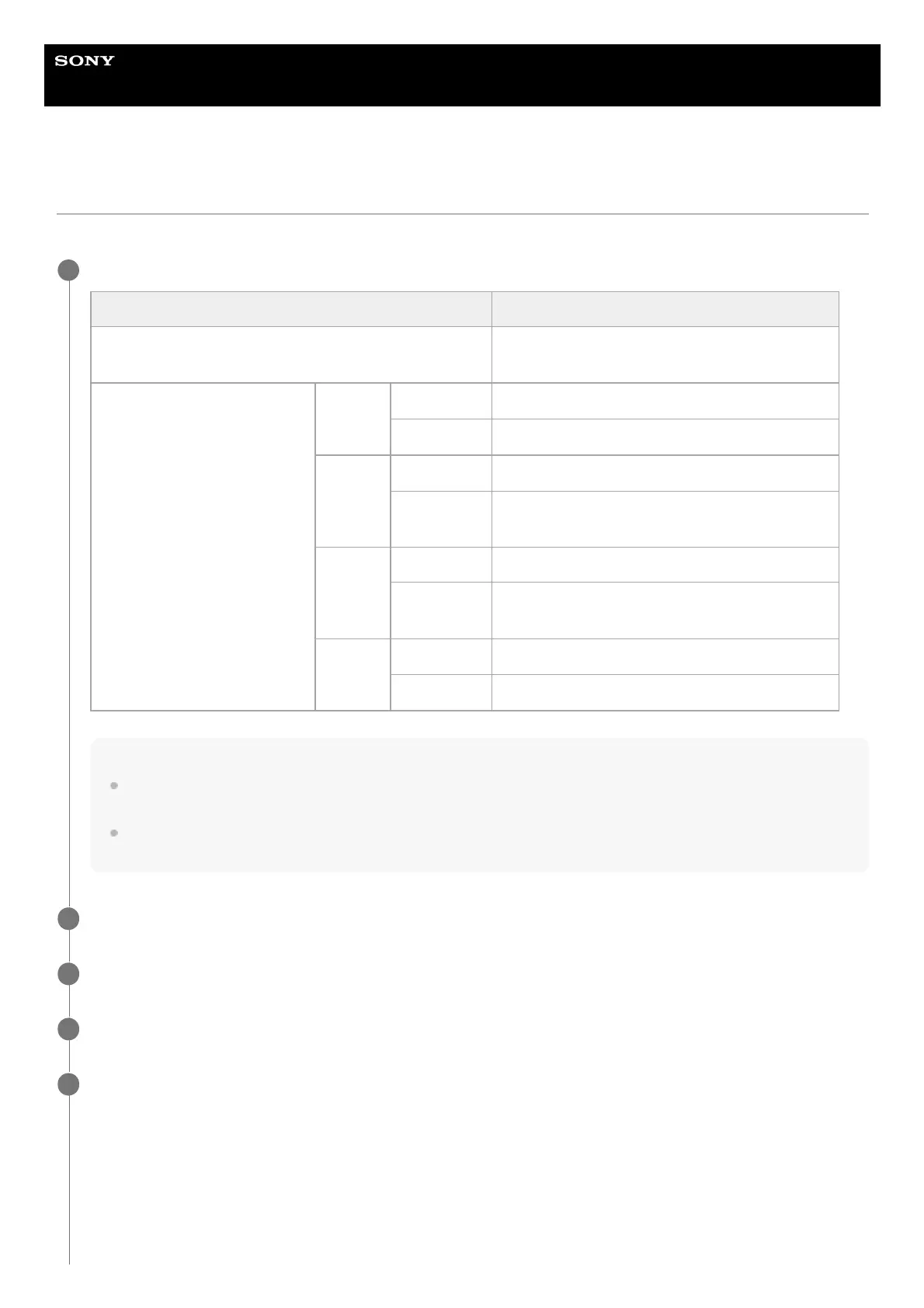
Check whether your tablet or computer supports Web App operations.
Note
If the required environment is not satisfied, or depending on the usage of the tablet/computer, video display in a web browser
may be adversely affected.
The Web App of this unit uses JavaScript. If using antivirus software on your tablet/computer, the web page may not be
displayed correctly.
1
Item Requirement
Display
1080×810 pixels or higher recommended
Tablet display size: 10-inch or larger recommended
Supported OS and web browser
Windows
OS Windows 10 or later
Web browser Google Chrome
Mac
OS macOS 10.15 or later
Web browser
Google Chrome
Safari
iPad
OS iPadOS 15 or later
Web browser
Google Chrome
Safari
Android
OS Android 12 or later
Web browser Google Chrome
Check that the unit, tablet or computer, and peripheral devices are turned on.
2
Check that the unit is connected via wired LAN local area connection.
3
Check that the tablet or computer are connected via Wi-Fi or wired LAN local area connection.
4
Connect to the unit from the web browser of your tablet or computer.
Connecting using a QR code
Scan the QR code attached to the bottom of the unit or the supplied QR code seal using the camera of the tablet.
Open the displayed link on the tablet.
The web browser on the tablet launches and displays the Web App screen of the unit.
Connecting by entering a URL in the address bar of a web browser
Launch a web browser on the tablet or computer, and enter the URL printed on the QR code attached to the bottom of
the unit or the supplied QR code seal.
5



 To Next Page