25
HCD-M90
The following menus are normally not used.
3. Track/Layer Jump
4. Manual Adjustment
5. Auto Adjustment
The persons who do not know well about these menus should not
use them.
6. Memory Check
EEPROM Data1
-– DL –-
CD LCD SL L0 L1
Focus Gain xx xx xx xx xx
TRK. Gain xx xx xx xx xx
FCS Balance xx xx xx xx xx
Focus Bias xx xx xx xx xx
TRV. Offset xx xx xx xx xx
L. F. Offset xx xx xx xx xx
EQ Boost xx xx xx xx xx
Mirror Time xx xx xx xx xx
_DOWN: Next Data
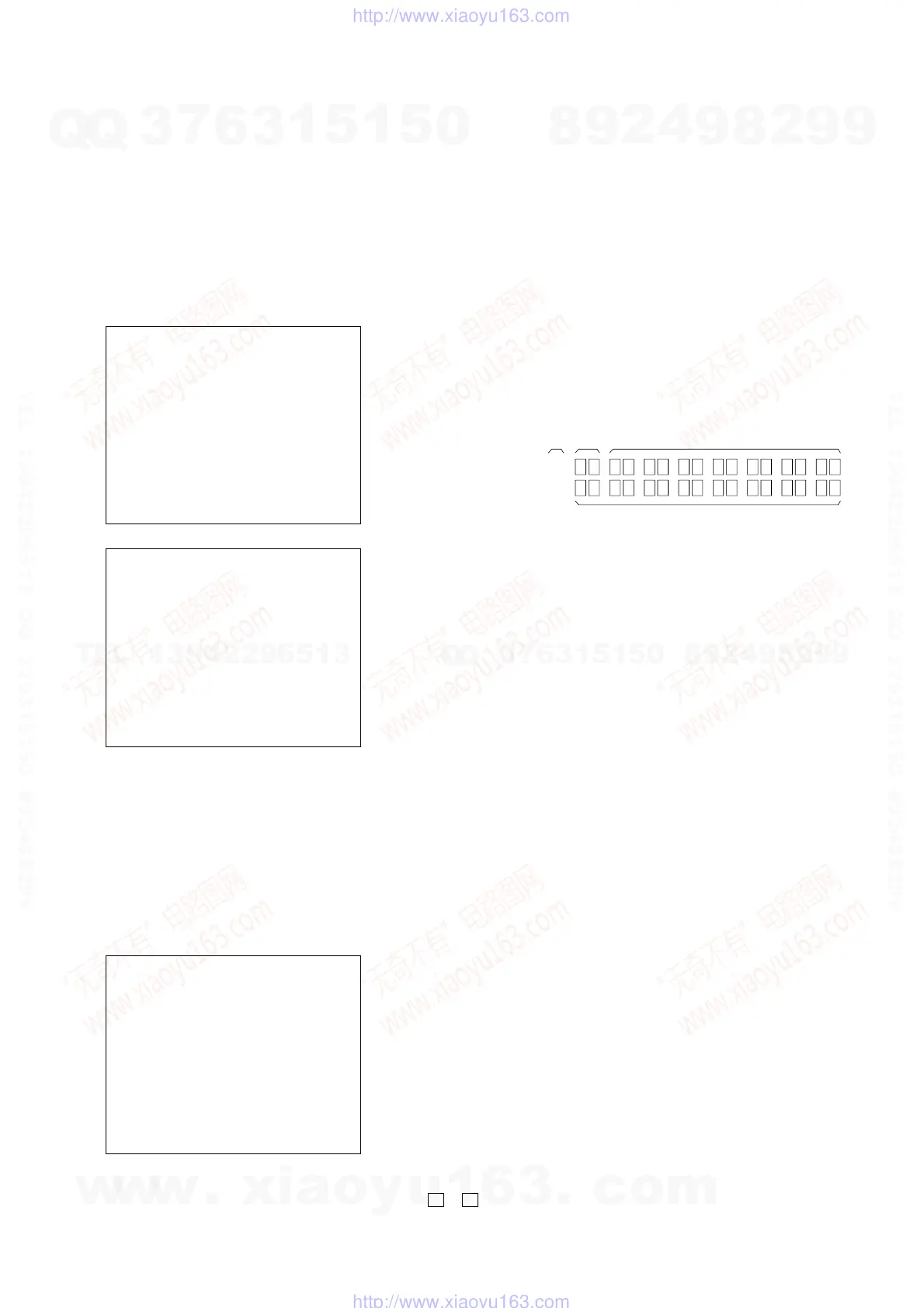
CLEAR: Default Set page.1/2
EEPROM Data1
-– DL –-
CD LCD SL L0 L1
RF Jitter xx -- xx xx xx
RF Level xx -- xx -- --
FE Level xx -- xx -- --
FE Balance xx -- xx -- --
TRV. Level xx -- xx -- --
Analog FRSW xx xx xx xx xx
PLL DacGain xx xx xx xx xx
_
UP : Prev Data
CLEAR: Default Set page.2/2
This screen displays current servo adjusted data stored in the
EEPROM. Though adjusted data can be initialized with the
[CLEAR] key on the remote commander, they cannot be restored
after initialization. So, before clearing, make a note of the adjusted
data. For reference, the drive has been designed so that the gain
center value is 20 and offset value is 80. Other values will be in a
range of 10 to 80. If extreme value such as 00 or FF is set, adjustment
will be faulty. In such a case, check for disc scratch or cable
disconnection, then perform adjustment again.
Emergency History
### EMG. History ###
Laser Hours CD xxxxxxxh
DVD xxxxxxxh
1. 00 00 00 00 00 00 00 00
00 00 00 00 00 00 00 00
2. 00 00 00 00 00 00 00 00
00 00 00 00 00 00 00 00
Select: 1 – 9 Scroll: UP/DOWN
(1: Last EMG.) Exit: RETURN
Press the [4] key on the remote commander of the emergency history
mode to display the servo error occurrence history. Press the M or m
keys on the remote commander to scroll the history data in the range
of the most recent error “1” to the error “10”. You can also type the
desired error number from the ten-keys on the remote commander.
The upper two columns show the accumulated turn-on hours of the
optical laser unit. The “minute” and the lower data are truncated.
Clearing the Error Histories
• Clearing the laser turn-on hours data
Press the
[DVD DISPLAY] and [CLEAR] keys on the remote
commander in this order. Both of the CD laser data and DVD
laser data are cleared.
• Clearing the error occurrence history data
Press the [DVD TOP MENU] and [CLEAR] keys on the remote
commander in this order.
• Initializing the setups
Press the [DVD MENU] and [CLEAR] keys on the remote
commander in this order. When the message “Set Up Initialized”
is displayed, it indicates that the setups are initialized. The screen
returns to the EMG display screen soon.
How to Read the Eror Occurrence History Data
1 Emergency code No.
2 Not used (The codes that are used for debugging during program
design are displayed here. They are not related to the error occ
urrence history.)
3 Order of error occurrence (1 to 9)
Emergency Code Table
10. Communication error with RF AMP (IC001) on the RF-240
board.
11. Servo lock of focus, tracking and spindle servos are lost.
12. Communication error with EEPROM (IC101) on the DVD
board.
13. Hours meter data write error in EEPROM (IC101) on the DVD
board.
14. Communication error with servo DSP (IC302) on the DVD
board or defective servo DSP
20. Tilt and sled servo initializing error. The laser unit does not
return to the initial position.
21. Tilt servo operation error.
22. The move request to illegal position is issued from system
control to the tilt servo.
23. Error in the tracking balance gain adjustment.
24. The move request to illegal position is issued from system
control to the sled servo.
30. Error in the tracking balance adjustment.
31. Error in the tracking gain adjustment.
32. Error in the focus balance adjustment.
33. Error in the focus bias adjustment.
34. Error in the focus gain adjustment.
35. Error in the tilt servo adjustment.
36. Error in the RF equalizer adjustment.
37. Error in the RF group delay adjustment
38. Amount of jitter upon completion of adaptation adjustment is
excessive.
40. Focus servo does not lock.
41. Focus jump is not possible with the dual layer (DL) disc.
50. CLV (spindle) servo does not lock.
51. Spindle does not stop.
60. The seek request to the non-existent address is issued from
system control using the DVD disc.
1.
3
1
2
Ver 1.1
w
w
w
.
x
i
a
o
y
u
1
6
3
.
c
o
m
Q
Q
3
7
6
3
1
5
1
5
0
9
9
2
8
9
4
2
9
8
T
E
L
1
3
9
4
2
2
9
6
5
1
3
9
9
2
8
9
4
2
9
8
0
5
1
5
1
3
6
7
3
Q
Q
TEL 13942296513 QQ 376315150 892498299
TEL 13942296513 QQ 376315150 892498299
http://www.xiaoyu163.com
http://www.xiaoyu163.com







 To Next Page