ModelName: ICD‑TX50
PartNumber: 4‑300‑042‑11(1)
104
104
Troubleshooting
Index
Table of
Contents
Troubleshooting
Troubleshooting
Before taking the IC recorder for repair, check the following sections. Should
any problem persist after you have made these checks, consult your nearest
Sony dealer.
Please access the following support home page to get the support information
about your IC recorder:
For customers in Europe:
h
ttp://support.sony‑europe.com/DNA
For customers in Latin America:
ht
tp://www.sony‑latin.com/index.crp
For customers in the U.S.A.:
http://www.sony.com/recordersupport
For customers in Canada:
http://www.sony.ca/ElectronicsSupport
http://fr.sony.ca/ElectronicsSupport
For customers in other countries/regions:
h
t
tp://www.sony‑asia.com/support
Note that recorded files may be deleted during service or repair work.
About resetting the IC recorder
When a problem persists after you check any corrective actions listed in the
following troubleshooting tables, you may solve the problem by resetting the IC
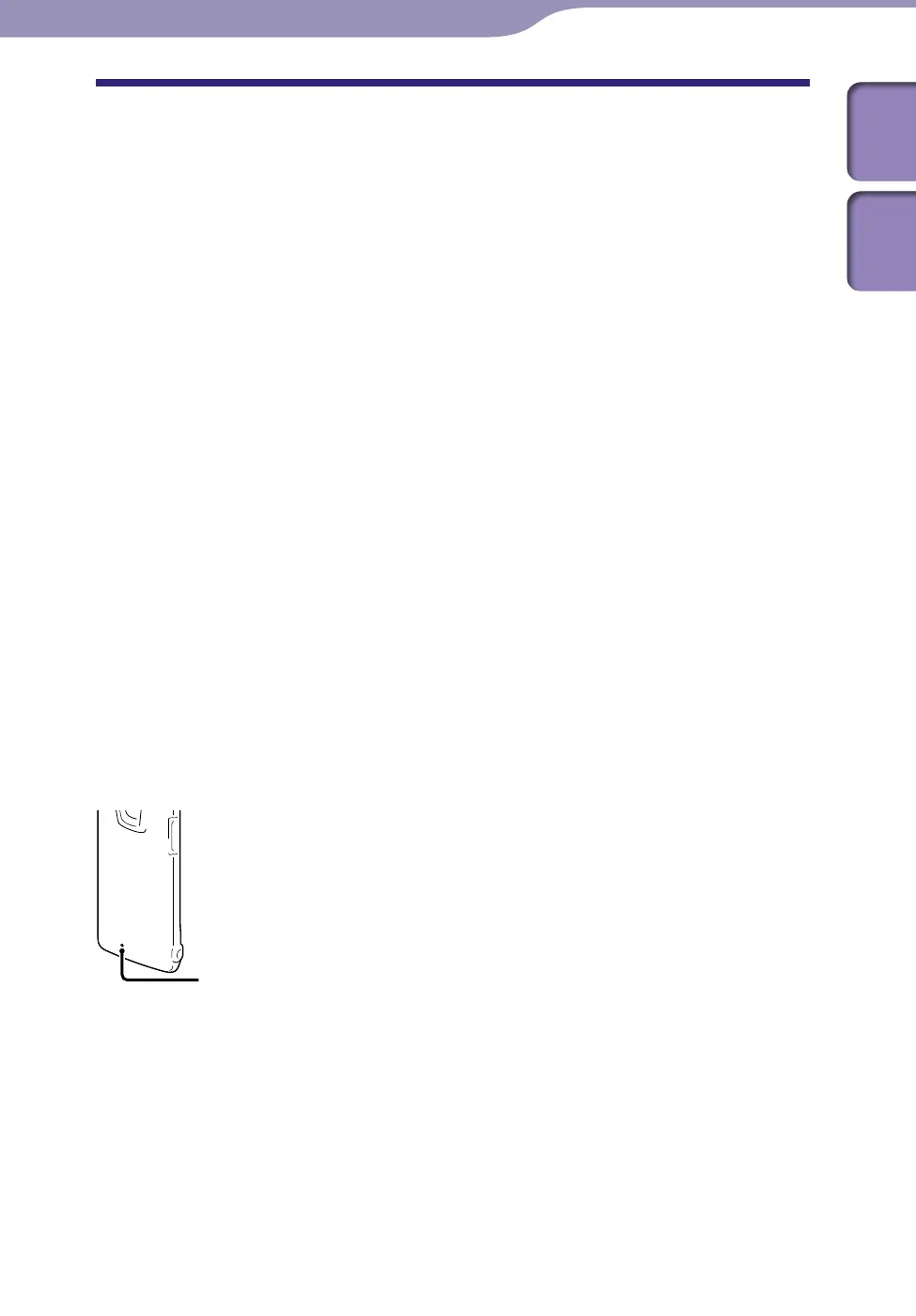
recorder. Press the RESET button with a small pin, etc. If you press the RESET
button while operating the IC recorder, stored data and settings may be deleted.
Before resetting, make sure that the operation indicator is not lit.
RESET button



 To Next Page