58
58
Editing Files
Index
Table of
Contents
ModelName: ICD‑TX50
PartNumber: 4‑300‑042‑11(1)
Press or to select the folder that
you want to move the file into, and then
press
/ENT.
The “Please Wait” animation appears and the
file is moved to the last position in the
destination folder.
When you move a file to another folder, the
original file in the previous folder will be erased.
Press STOP to exit the menu mode.
To cancel moving the file
Press STOP before step .
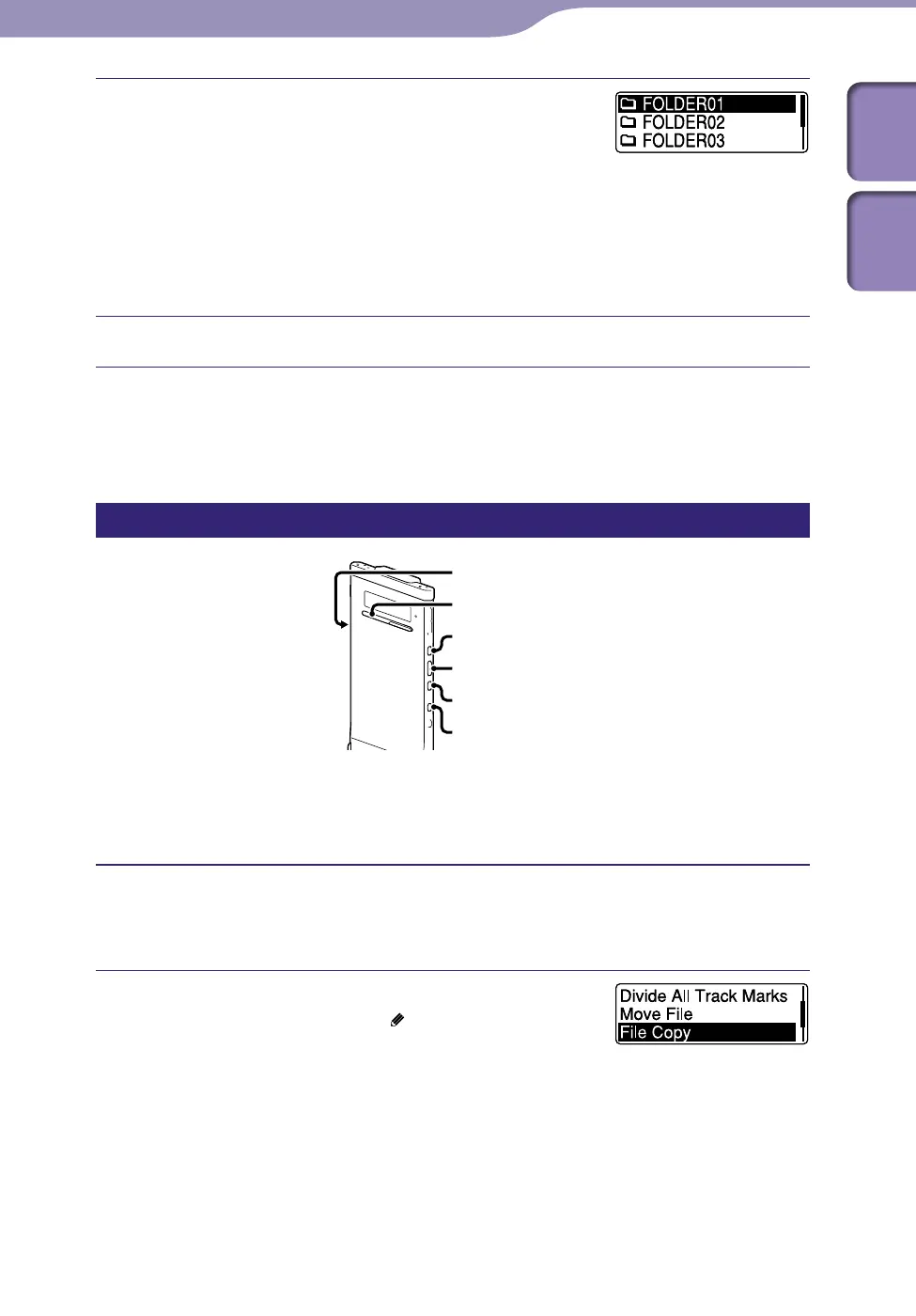
Copying a file to the other memory
ST
OP
BACK/HOME
/ENT
microSD card slot
You can copy files between the built‑in memory and a microSD card, which is
useful in saving a backup. Before starting the operation, insert a microSD card
to be used for copying into the microSD card slot.
Select the file you want to copy.
When you want to copy a file from a microSD card to the built‑in memory,
set the source memory media to “microSD Card” (
p.
34).
Press and hold BACK/HOME to display the
Home menu, then select “
Edit”
“Edit
Files”
“File Copy,” and then press /ENT.
“Copy to microSD card Select Folder” or “Copy
to B
uilt‑In Memory Select Folder” appears and
the category selection window is displayed.
Continued



 To Next Page