31
31
Preparing the Recorder
Index
Table of
Contents
ModelName: ICD‑TX50
PartNumber: 4‑300‑042‑11(1)
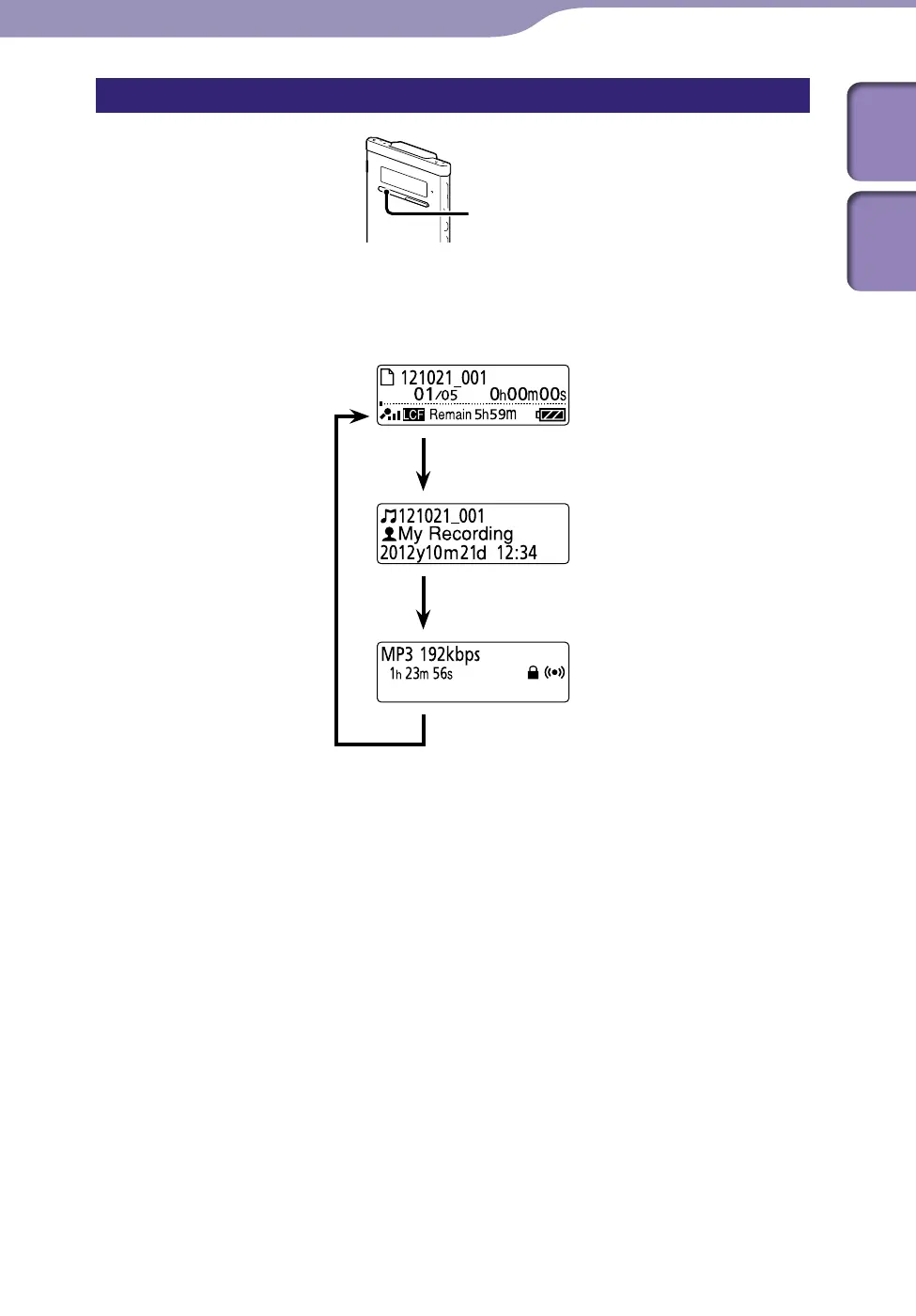
Displaying the file information
STOP
You can display the file information of the current file by pressing STOP in
the stop mode. By pressing S
TOP repeatedly, you can display the rest of the
file information, and then return to the stop mode window.
STOP
ST
OP
ST
OP



 To Next Page