46
46
Playing Files
Index
Table of
Contents
ModelName: ICD‑TX50
PartNumber: 4‑300‑042‑11(1)
Changing the Playback Settings
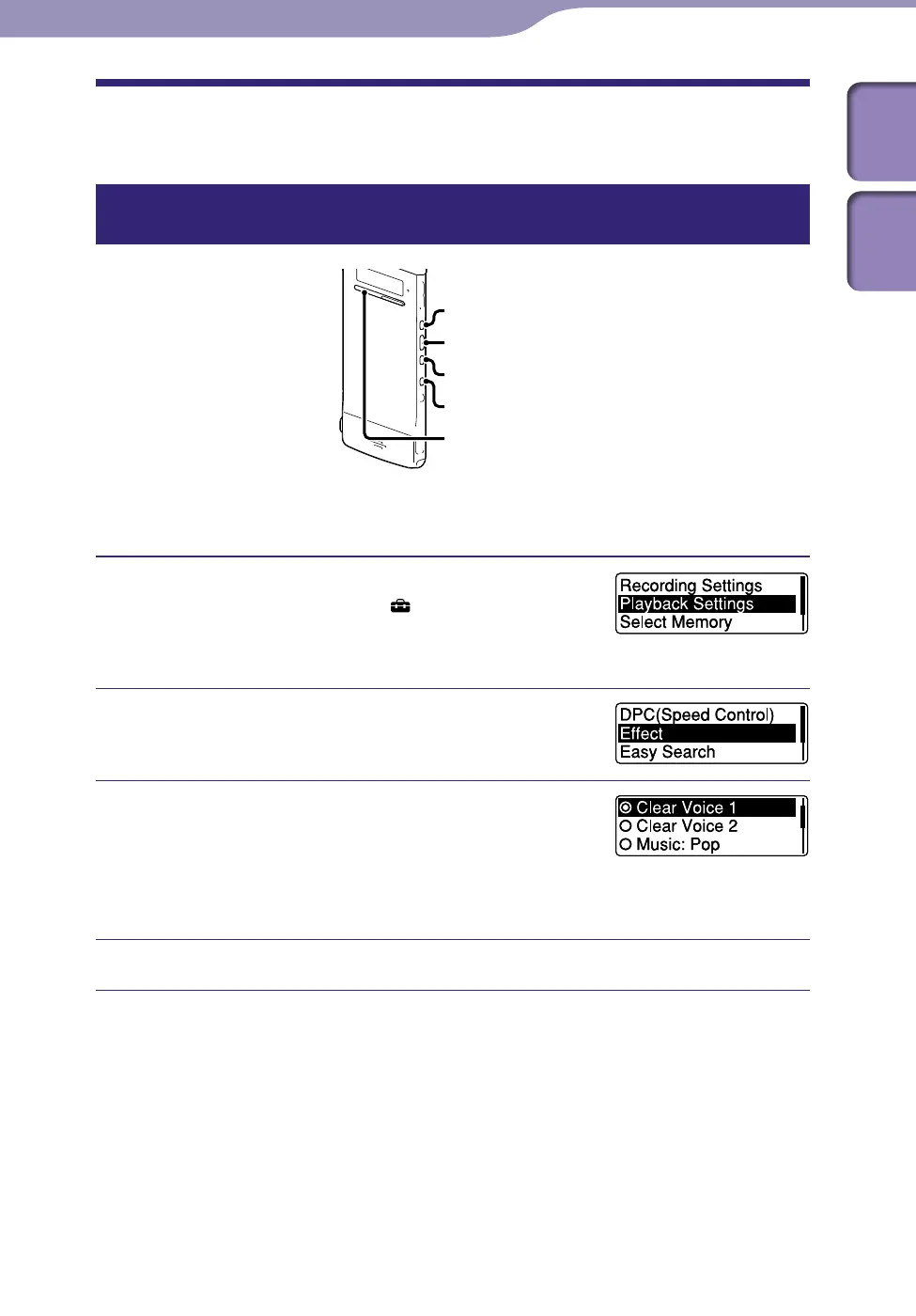
Reducing noise or selecting the sound effect in playback – the Effect
function
ST
OP
BACK/HOME
/ENT
You can reduce noise in playback or select the sound effect that suits the file to
be played back.
Press and hold BACK/HOME to display the
Home menu, then select “
Settings”
”Playback Settings,”
and then press
/ENT.
Press or to select “Effect,” and
then press /ENT.
Press or to select effect you want
for the playback, and then press /ENT.
In the stop mode, the selected file is played back
automatically to reproduce the selected effect
for your confirmation.
Press STOP to exit the menu mode.
Continued



 To Next Page