44
44
Playing Files
Index
Table of
Contents
ModelName: ICD‑TX50
PartNumber: 4‑300‑042‑11(1)
Basic Playback
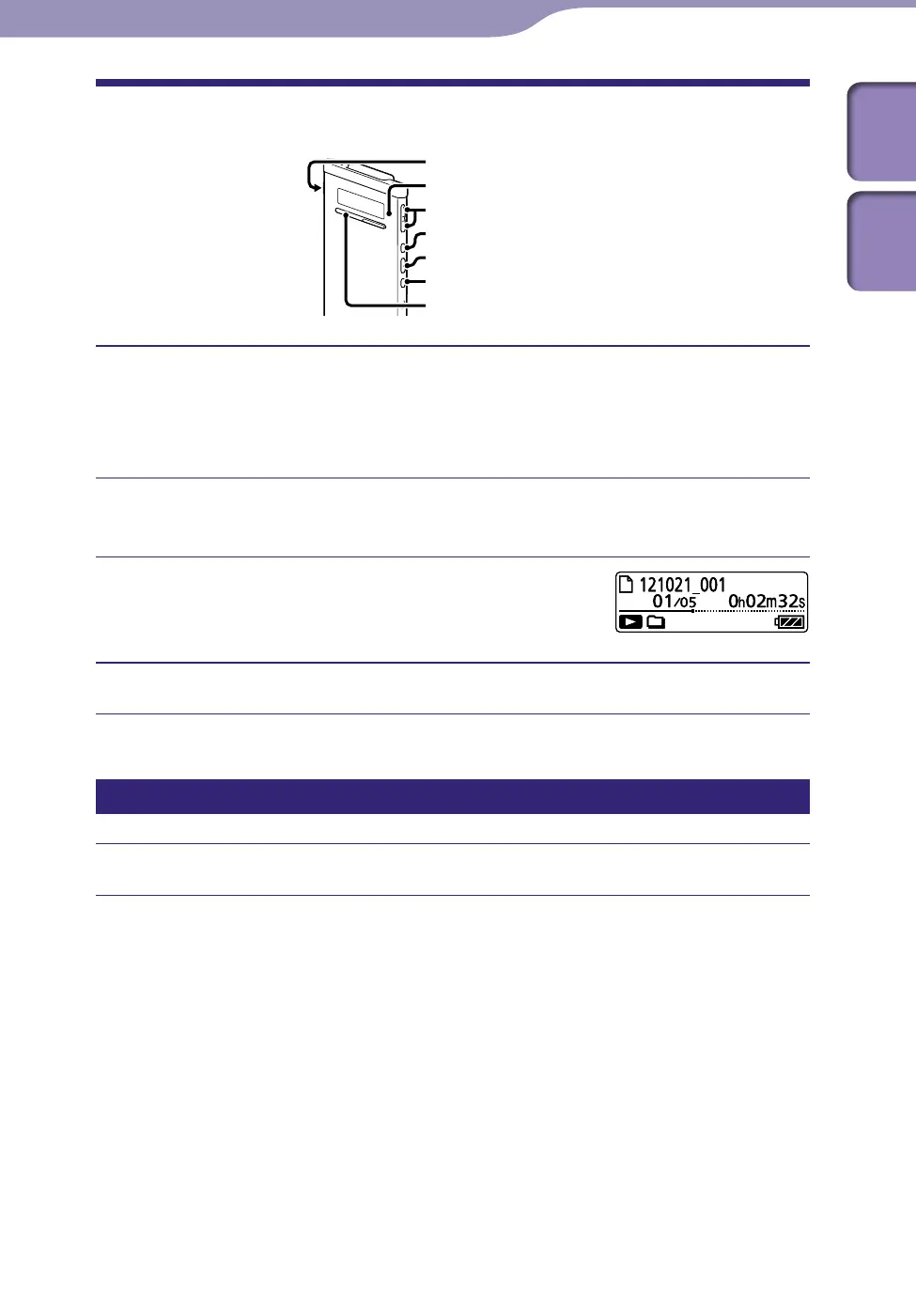
STOP
/ENT
POWER•HOLD
Operation indicator
VOL−/+
Slide the POWER•HOLD switch in the direction of “POWER” to turn
on the IC recorder (
p
. 20), or towards the center to release the IC
recorder from the HOLD status (
p
. 16).
The stop mode window appears.
Select the desired file to be played back (
p. 28).
If you do not select a file, the file just recorded will be played back.
Press /ENT.
Playback starts, and the operation indicator will
light in green.
Press VOL –/+ to adjust the volume.
Stopping playback
Press STOP.
Playing Files



 To Next Page