EasyManua.ls Logo

Sony ICD-TX50 - About the Menu Function; Menu Operation Modes

Sony ICD-TX50
121 pages
Print Icon
To Next Page IconTo Next Page
To Previous Page IconTo Previous Page
Loading...
68
68
About the Menu Function
Index
Table of
Contents
ModelName: ICD‑TX50
PartNumber: 4‑300‑042‑11(1)
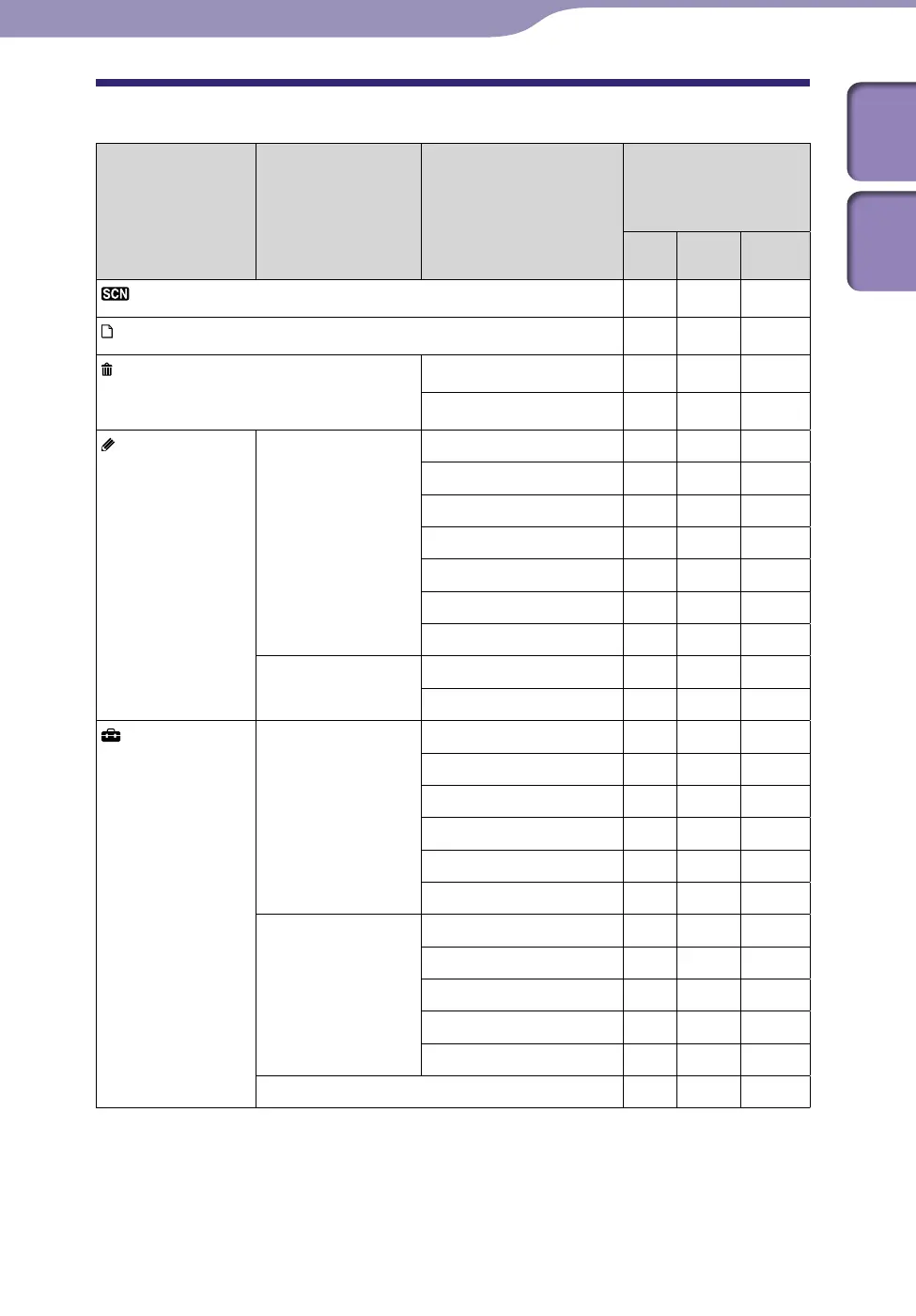
Menu Operation Modes
Home menus Sub menus Menu items
Operation mode ( : the
setting can be made/
—: the setting cannot be
made)
Stop
mode
Playback
mode
Recording
mode
Scene Select
-
Select File
-
Erase Files
Erase a File
-
Erase All Files
- -
Edit
Edit Files Protect
- -
Divide at Current Position
- -
Divide All Track Marks
- -
Move File
- -
File Copy
- -
Erase Track Mark
- -
Erase All Track Marks
- -
Change Names Change Folder Name
- -
Change File Name
- -
Settings
Recording Settings Scene Edit
-
Save Destination
- -
REC Mode
-
Mic Sensitivity
LCF(Low Cut)
VOR
Playback Settings DPC(Speed Control)
Effect
Easy Search
Play Mode
Alarm
- -
Select Memory
- -
Continued

Table of Contents

Other manuals for Sony ICD-TX50

Related product manuals