57
57
Editing Files
Index
Table of
Contents
ModelName: ICD‑TX50
PartNumber: 4‑300‑042‑11(1)
Arranging Files in a Folder
Moving a file to a different folder
ST
OP
BACK/HOME
/ENT
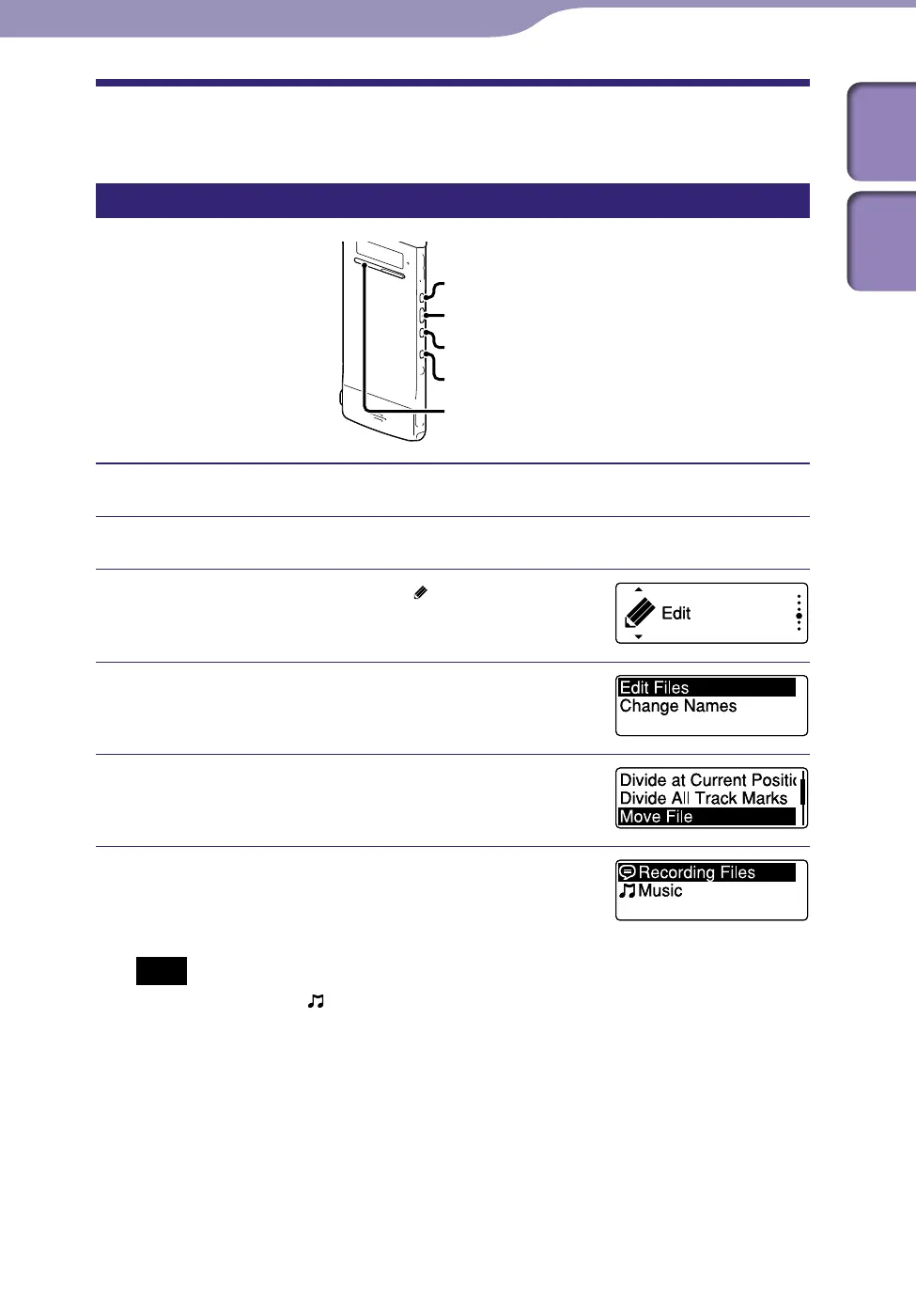
Select the file you want to move.
Press and hold BACK/HOME until the Home menu appears.
Press or to select “ Edit,” and
then press /ENT.
Press or to select “Edit Files,” and
then press /ENT.
Press or to select “Move File,” and
then press /ENT.
Press or to select the category of
the destination folder, and then press
/ENT.
Note
When you select the “ Music” category as the destination, you can move a file to a
folder containing the type of files the IC recorder can play.
Editing Files
Continued



 To Next Page