15
15
Preparing the Recorder
Index
Table of
Contents
ModelName: ICD‑TX50
PartNumber: 4‑300‑042‑11(1)
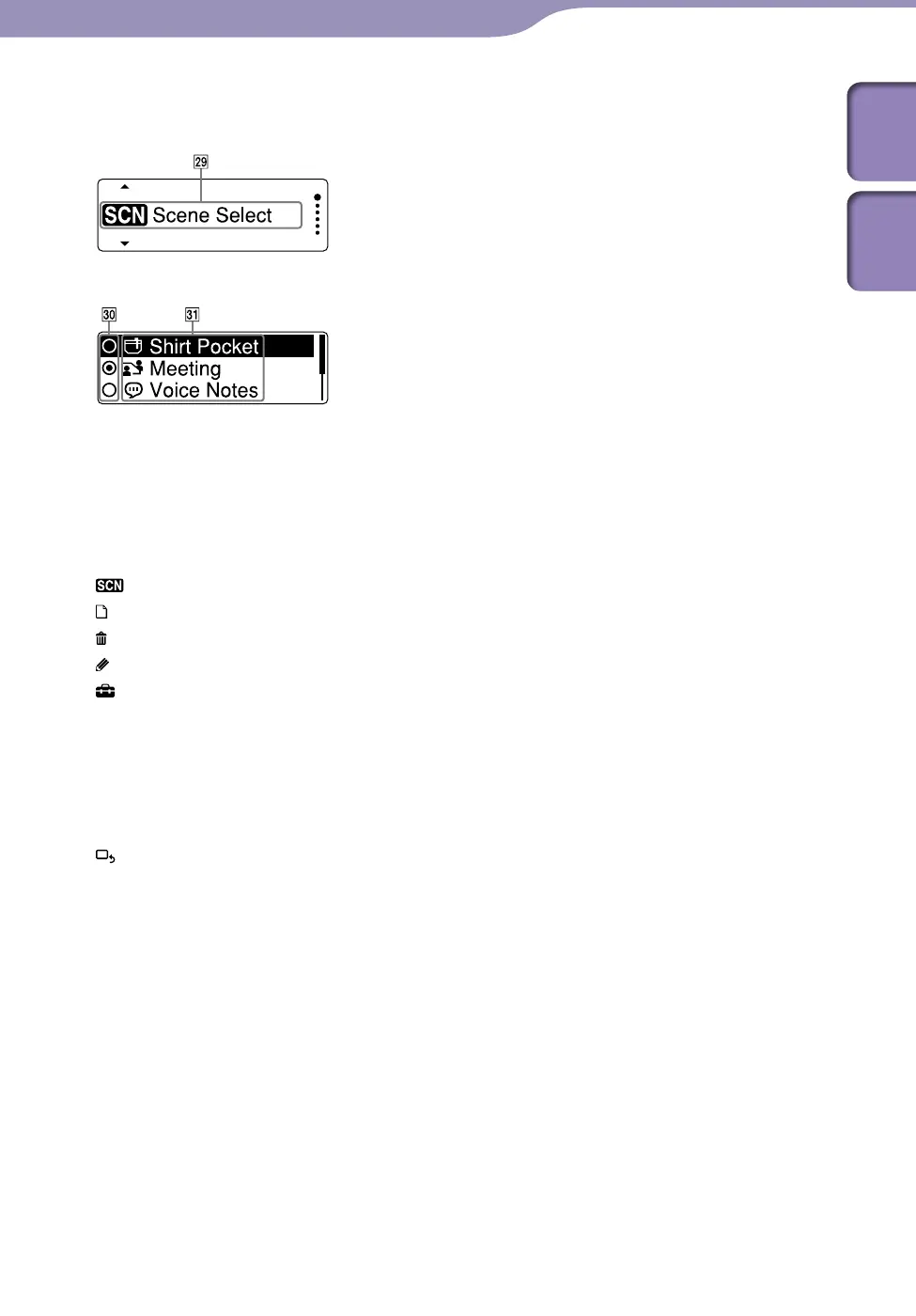
Display during MENU operation
Home menu
Menu setting
Home menu
The Home menu consists of the
following five items, each
representing a major feature of the
IC recorder.
Scene Select
Select File
Erase Files
Edit
Settings
Hint
By selecting the following menu and
pressing /ENT, you can go back to the
window that was displayed before you
entered the menu mode:
and one of the following items appears,
depending on the operation you
performed before you entered the menu
mode: To Stop Screen/Return to
Playback/Return to REC
Item selection buttons
Press or to select an item,
and then press /ENT to confirm.
Menu items
The items of the selected menu are
displayed.



 To Next Page