64
64
Editing Files
Index
Table of
Contents
ModelName: ICD‑TX50
PartNumber: 4‑300‑042‑11(1)
Dividing a file at all the track mark positions
ST
OP
BACK/HOME
/ENT
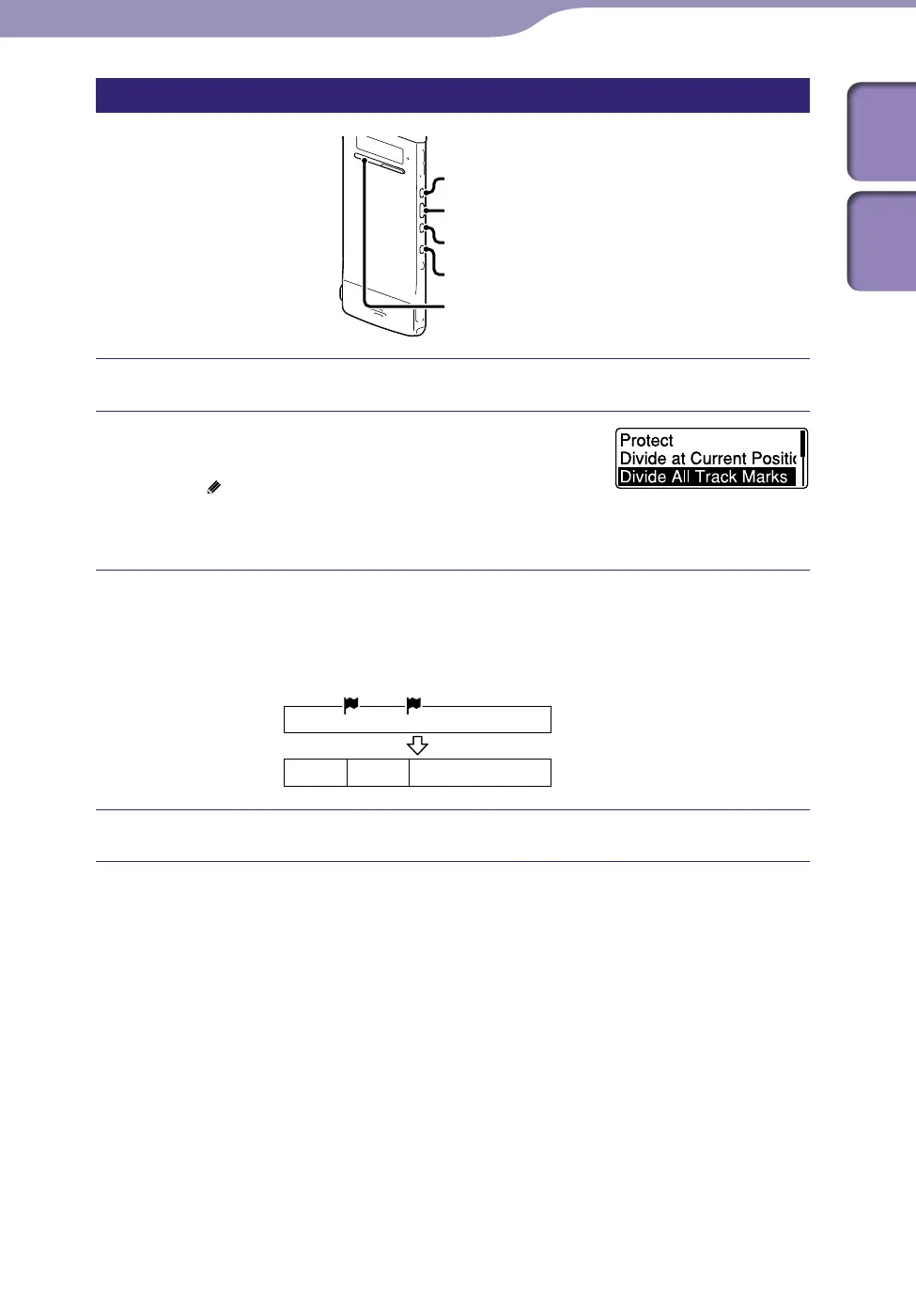
Select the file you want to divide.
In the stop mode, press and hold BACK/
HOME to display the Home menu, then
select “
Edit”
“Edit Files”
“Divide All
Track Marks,” and then press /ENT.
“Divide All Track Marks?” will be displayed.
Press or to select “YES,” and then press /ENT.
The “Please Wait” animation appears, and the file is divided at all the track
mark positions. All the existing track marks in the files will be erased.
A suffix made up of a sequential number is added each of the divided files.
File 1
A file is divided at all the track marks.
File1_01 File 1_02 File 1_03
Press STOP to exit the menu mode.
To cancel dividing
Select “NO” in step , and then press /ENT.
To cancel the division operation during dividing
While the “Please Wait” animation is displayed during division in step ,
press S
TOP.



 To Next Page