54
54
Erasing Files
Index
Table of
Contents
ModelName: ICD‑TX50
PartNumber: 4‑300‑042‑11(1)
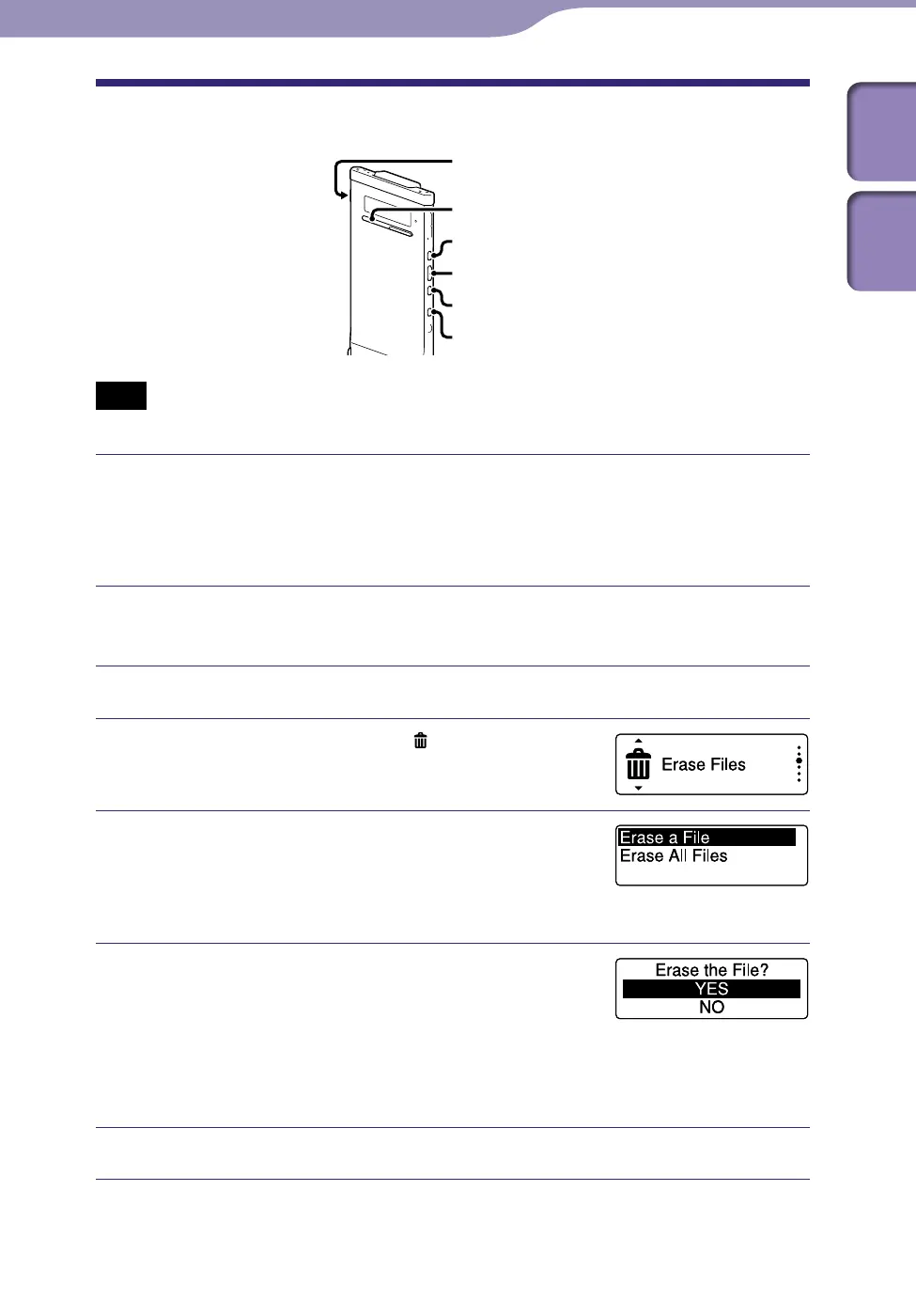
Erasing a File
ST
OP
BACK/HOME
/ENT
POWER•HOLD
Note
Once a file has been erased, you cannot retrieve it.
Slide the POWER•HOLD switch in the direction of “POWER” to turn
on the IC recorder (
p
. 20), or towards the center to release the IC
recorder from the HOLD status (
p
. 16).
The stop mode window appears.
In the stop or playback mode, select the file you want to erase
(
p
. 28).
Press and hold BACK/HOME until the Home menu appears.
Press or to select “ Erase Files,”
and then press /ENT.
Press or to select “Erase a File,”
and then press /ENT.
“Erase the File?” is displayed and the specified
file is played back for confirmation.
Press or to select “YES,” and then
press /ENT.
The “Please Wait” animation appears and the
selected file will be erased.
When a file is erased, the remaining files will advance so that there will be
no space between files.
Press STOP to exit the menu mode.
Erasing Files
Continued



 To Next Page