39
39
Recording Files
Index
Table of
Contents
ModelName: ICD‑TX50
PartNumber: 4‑300‑042‑11(1)
Selecting a recording scene for each situation
ST
OP
BACK/HOME
/ENT
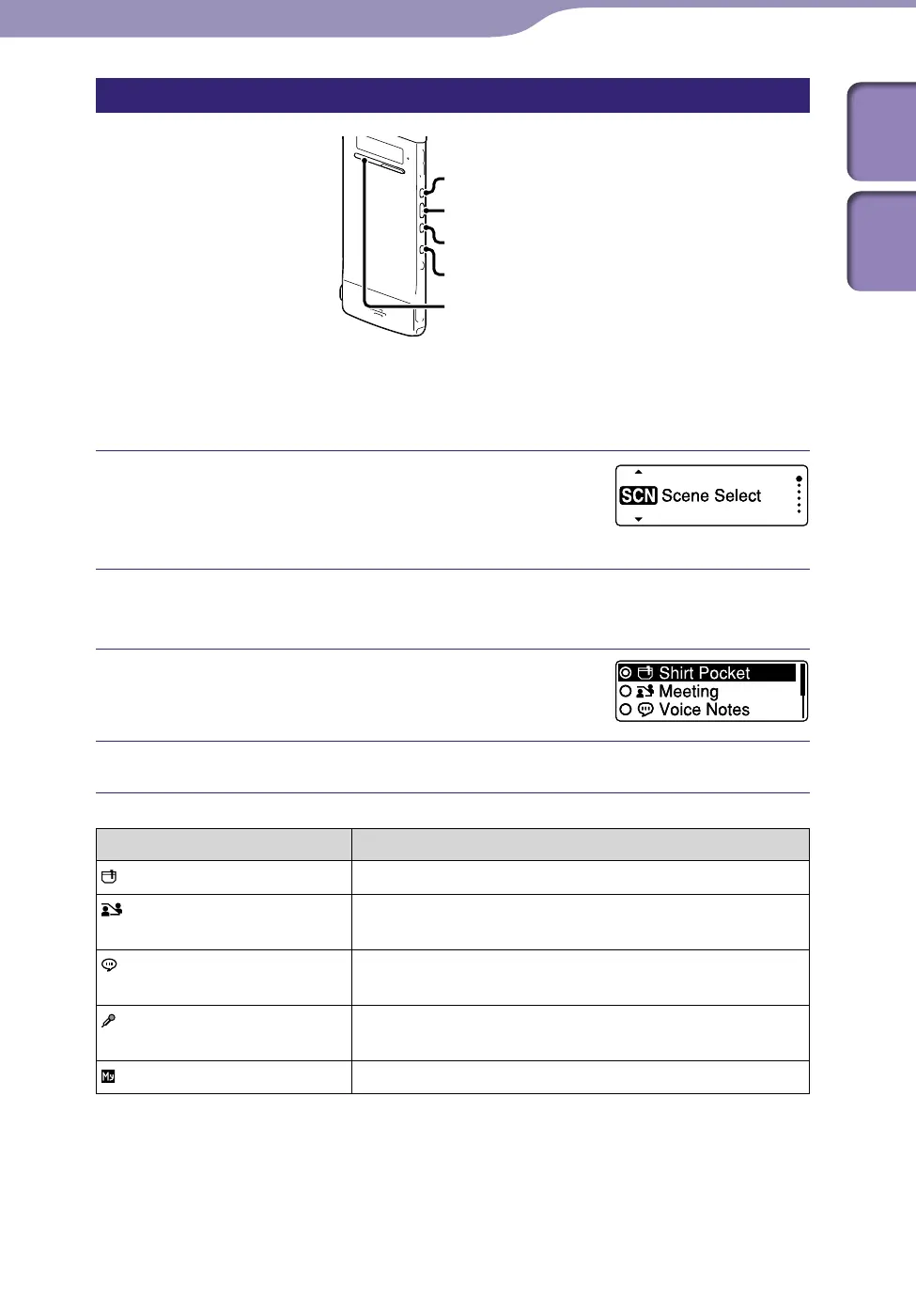
According to various recording scene, you can change the items for recording,
such as REC Mode (
p
.
72), Mic Sensitivity (
p. 73), etc., to the
recommended settings in bulk. You can change the settings for each item.
In the stop or playback mode, press and
hold BACK/HOME until the Home menu
appears.
Press /ENT.
The scene select setting window is displayed.
Press or to select a scene you
want, and then press /ENT.
Press STOP to exit the menu mode.
Scenes Descriptions
Shirt Pocket To record with the IC recorder in a shirt pocket.
Meeting To record in a variety of situations, such as recording in
a spacious conference room.
Voice Notes To record dictation with a microphone in front of your
mouth.
Interview To record human voice at a distance of 1 to 2 meters (40
to 80 in.).
My Scene Use to keep your favorite settings.



 To Next Page