62
62
Editing Files
Index
Table of
Contents
ModelName: ICD‑TX50
PartNumber: 4‑300‑042‑11(1)
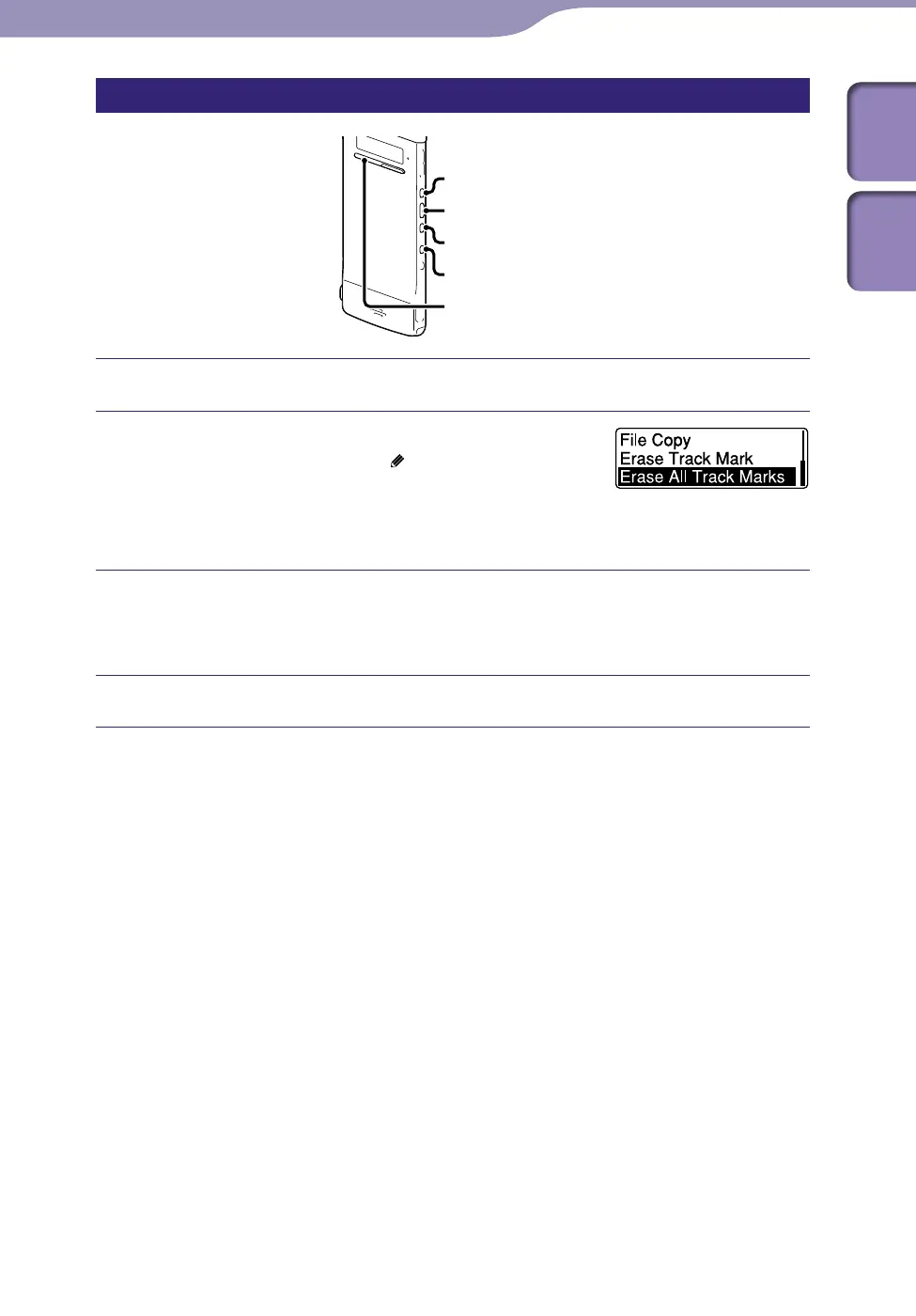
Erasing all the track marks in the selected file at one time
ST
OP
BACK/HOME
/ENT
Select a file from which you want to erase the track marks.
Press and hold BACK/HOME to display the
Home menu, then select “
Edit”
“Edit
Files”
“Erase All Track Marks,” and then
press /ENT.
“Erase All Track Marks?” will be displayed.
Press or to select “YES,” and then press /ENT.
The “Please Wait” animation appears and all the track marks will be erased
at one time.
Press STOP to exit the menu mode.
To cancel erasing
Select “NO” in step , and then press /ENT.



 To Next Page