22
22
Preparing the Recorder
Index
Table of
Contents
ModelName: ICD‑TX50
PartNumber: 4‑300‑042‑11(1)
Setting the Clock
You need to set the clock to use the alarm function or record the date and time.
Setting the clock after recharging the battery
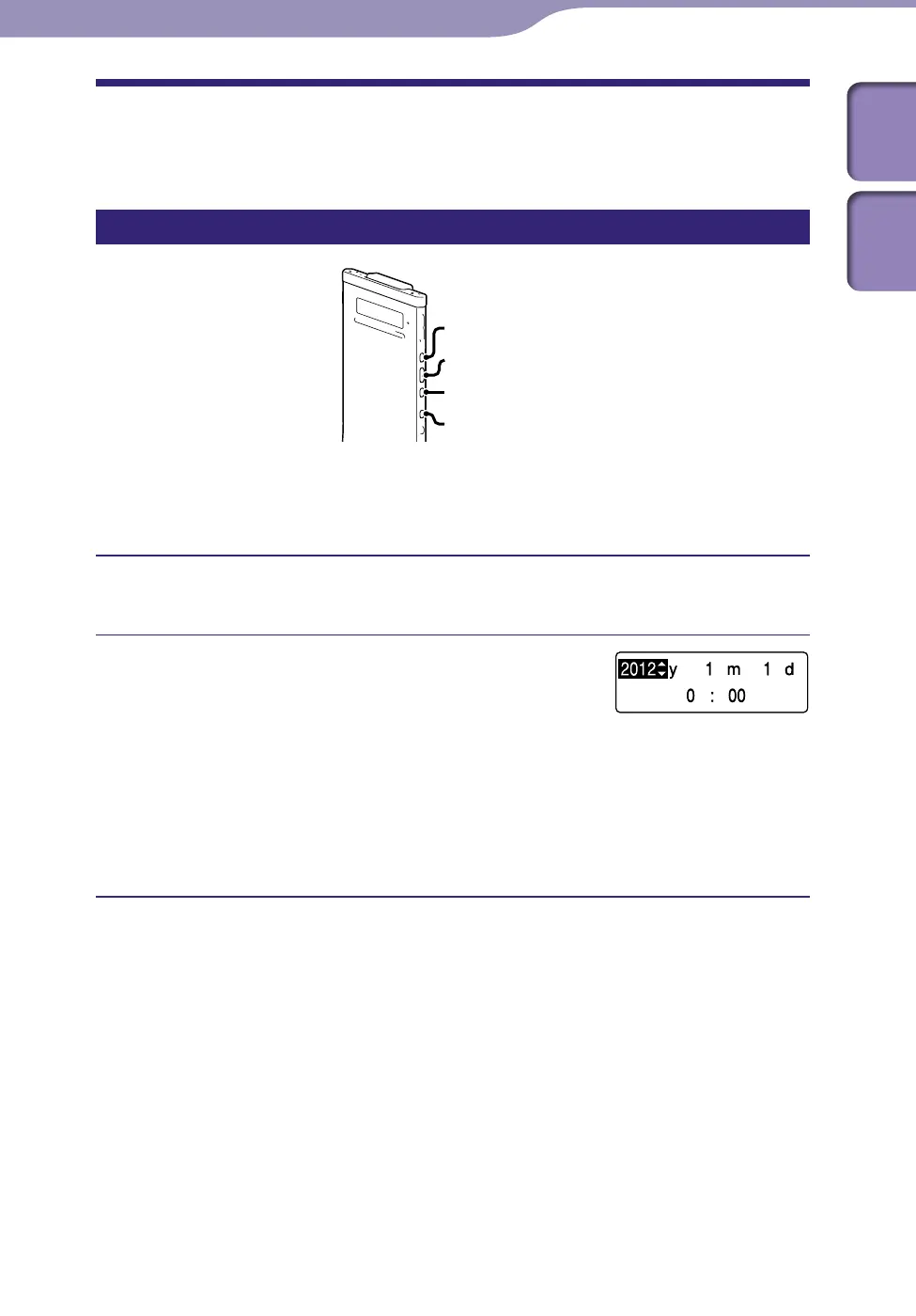
BACK/HOME
/ENT
When the clock is not set after you purchased the IC recorder and use it for the
first time, the “Set Date&Time” message appears and then the “Set
Date&Time?” confirmation message appears.
Press or to select “YES,” and then press /ENT.
The clock setting window is displayed and the year section begins to flash.
Set year, month, day, hour and minute.
Press or
to set the year, and then
press /ENT. Repeat this procedure to set
month, day, hour, and minute in sequence.
You can move the cursor back to an item by
pressing BACK/HOME.
When you set the minute and press /ENT,
the “Please Wait” animation appears and the
clock is set.



 To Next Page