65
65
Editing Files
Index
Table of
Contents
ModelName: ICD‑TX50
PartNumber: 4‑300‑042‑11(1)
Renaming a Folder and a File
Changing a folder name
ST
OP
BACK/HOME
/ENT
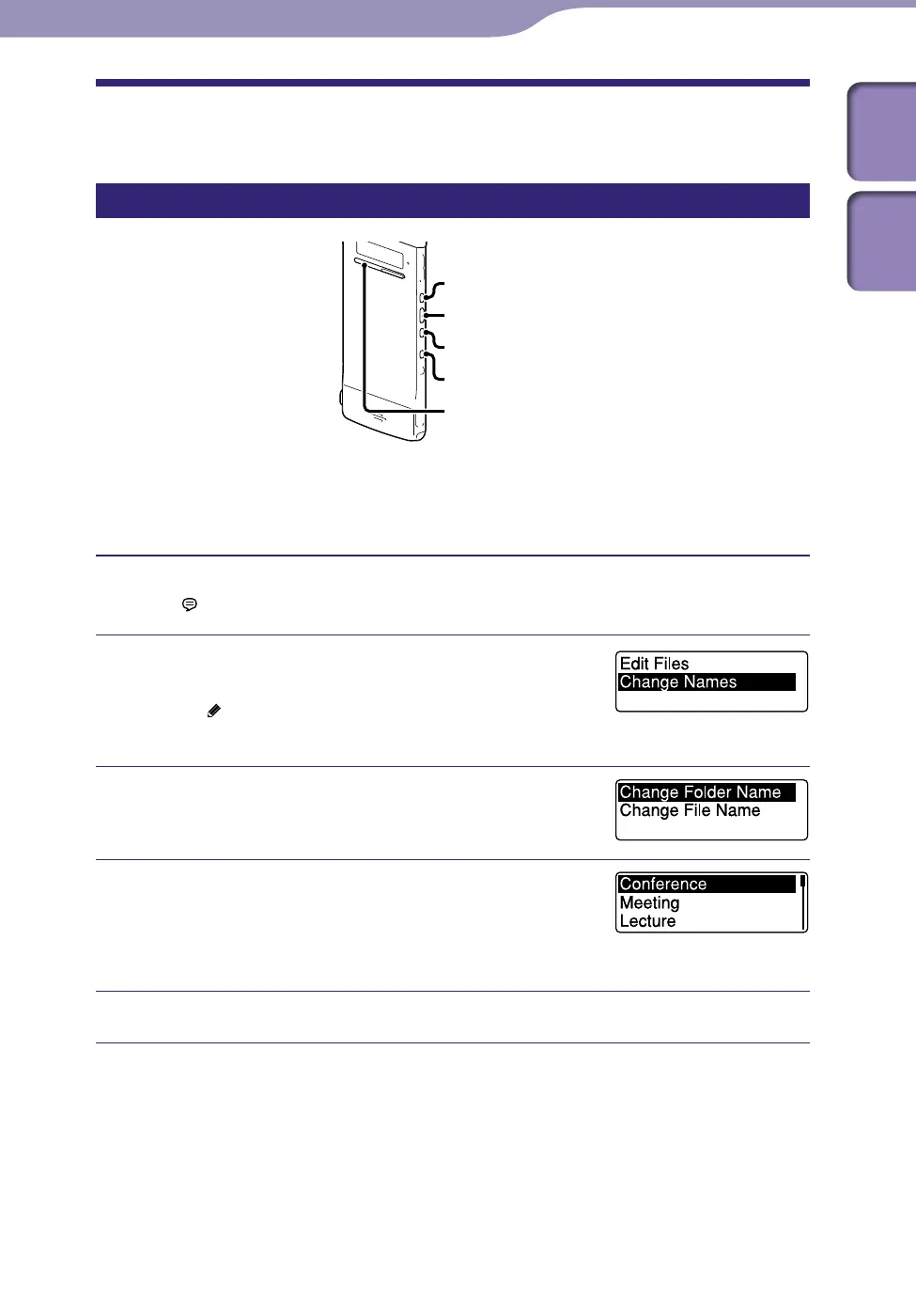
You can change a name of a folder used to store files recorded with the IC
recorder.
You can choose a new folder name from the templates.
Select the folder which you want to rename from the folder list in
the “
Recording Files” category.
In the stop mode, press and hold BACK/
HOME to display the Home menu, then
select “
Edit”
“Change Names,” and then
press /ENT.
Press or to select “Change Folder
Name,” and then press /ENT.
Press or to select a favorite folder
name, and then press /ENT.
The “Please Wait” animation appears and the
folder name will be changed.
Press STOP to exit the menu mode.
Hints
When you specify a folder name that already exists, a suffix made up of a sequential
number (2 to 10) is added to the name of the new folder.
Wh
en you choose “FOLDER” from the templates, a suffix made up of a sequential
number (01 to 10) is added to each of the folder names.
Yo
u can use the supplied Sound Organizer software to edit the templates or rename a
folder directly.



 To Next Page