26
26
Preparing the Recorder
Index
Table of
Contents
ModelName: ICD‑TX50
PartNumber: 4‑300‑042‑11(1)
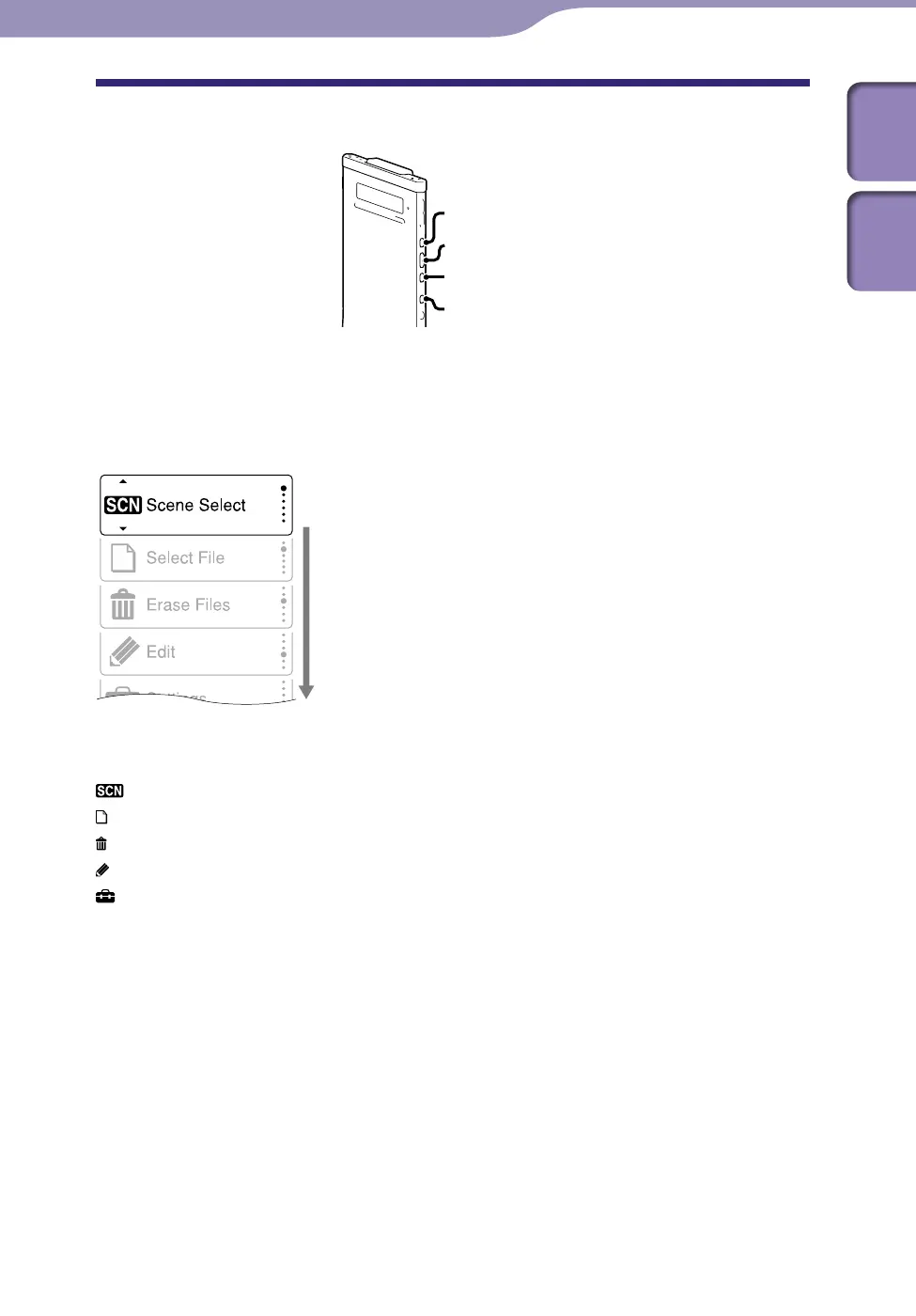
About the Home menu
BACK/HOME
/ENT
You can display the Home menu by pressing and holding BACK/HOME.
The Home menu is the starting point of each feature of the IC recorder, such as
editing or making various settings.
Home menu
The Home menu consists of the following five items. Press or to
select a Home menu item, and then press /ENT to confirm:
Scene Select
Select File
Erase Files
Edit
Settings



 To Next Page