86
86
Utilizing Your Computer
Index
Table of
Contents
ModelName: ICD‑TX50
PartNumber: 4‑300‑042‑11(1)
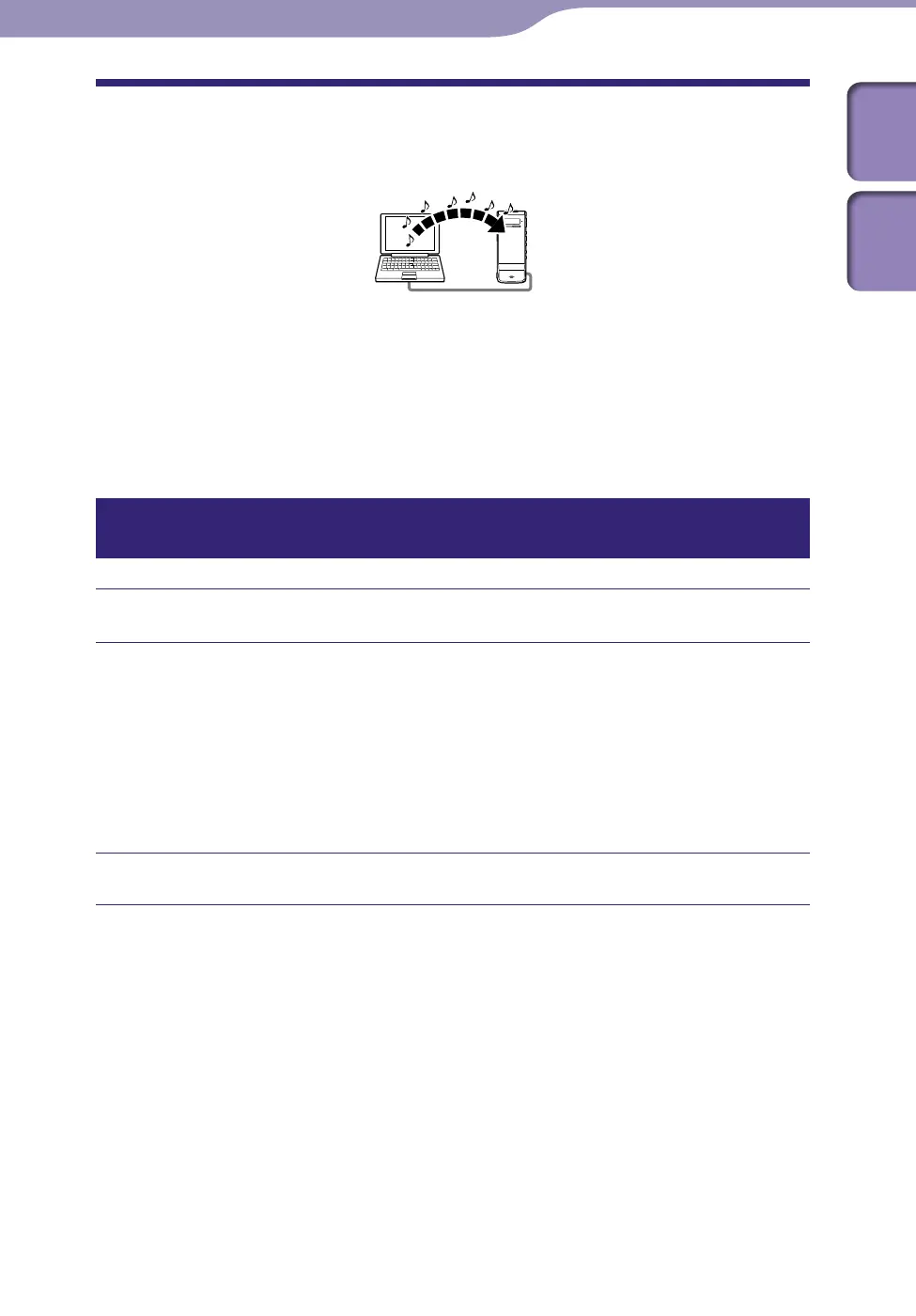
Copying Music Files from Your Computer to the
IC Recorder and Playing Them Back
You can copy music or the other audio files (LPCM(.wav)/MP3(.mp3)/
WMA(.wma)/AAC‑LC(.m4a)
*
) from your computer to the IC recorder by
dragging and dropping them, and you can play them back using the IC
recorder.
* For the file formats that can be played back using the IC recorder, see “Design and specifications”
(
p.
101).
Copying a music file from your computer to the IC recorder (drag and
drop)
Connect the IC recorder to your computer (
p. 80).
Copy the folder in which the music files are stored to the IC recorder.
On a Windows screen using Explorer, or on a Macintosh screen using
Finder, drag and drop the folder containing the music files onto “IC
RECORDER” or “MEMORY CARD.”
The IC recorder can recognize up to 400 folders. You can copy up to 199
files to one folder. Moreover, the IC recorder can recognize up to a total of
4,095 folders and files for one memory media.
Disconnect the IC recorder from your computer (
p. 84).



 To Next Page