25
25
Preparing the Recorder
Index
Table of
Contents
ModelName: ICD‑TX50
PartNumber: 4‑300‑042‑11(1)
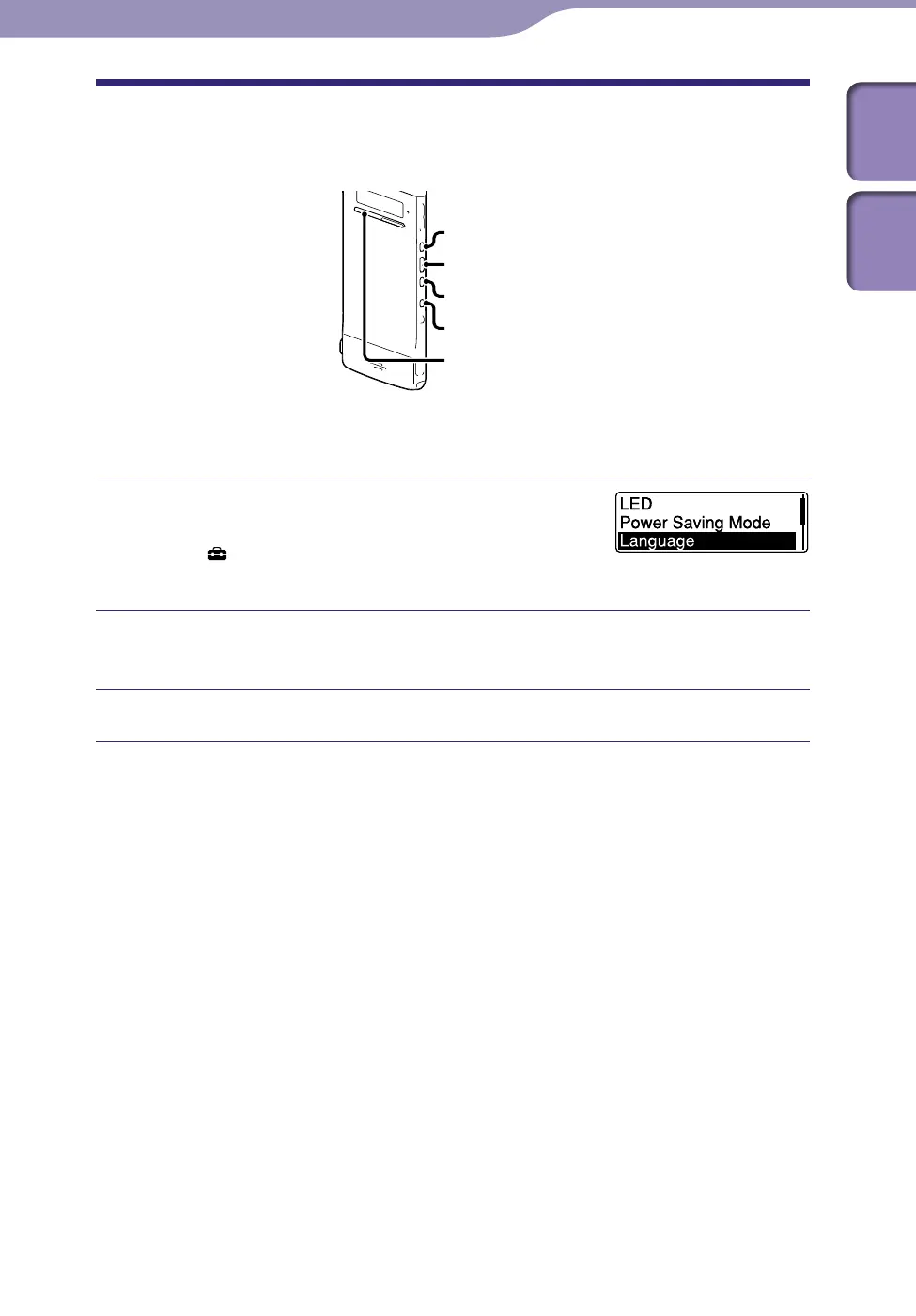
Setting the Language to Be Used in the Display
Window
ST
OP
BACK/HOME
/ENT
You can select the language to be used for messages, menus, folder names, file
names, etc.
In the stop mode, press and hold BACK/
HOME to display the Home menu, then
select “
Settings”
”Common Settings”
”Language,” and then press /ENT.
Press or to select the language that you want to use, and
then press /ENT.
Press STOP to exit the menu mode.



 To Next Page