27
27
Preparing the Recorder
Index
Table of
Contents
ModelName: ICD‑TX50
PartNumber: 4‑300‑042‑11(1)
How to use the Home menu
ST
OP
BACK/HOME
/ENT
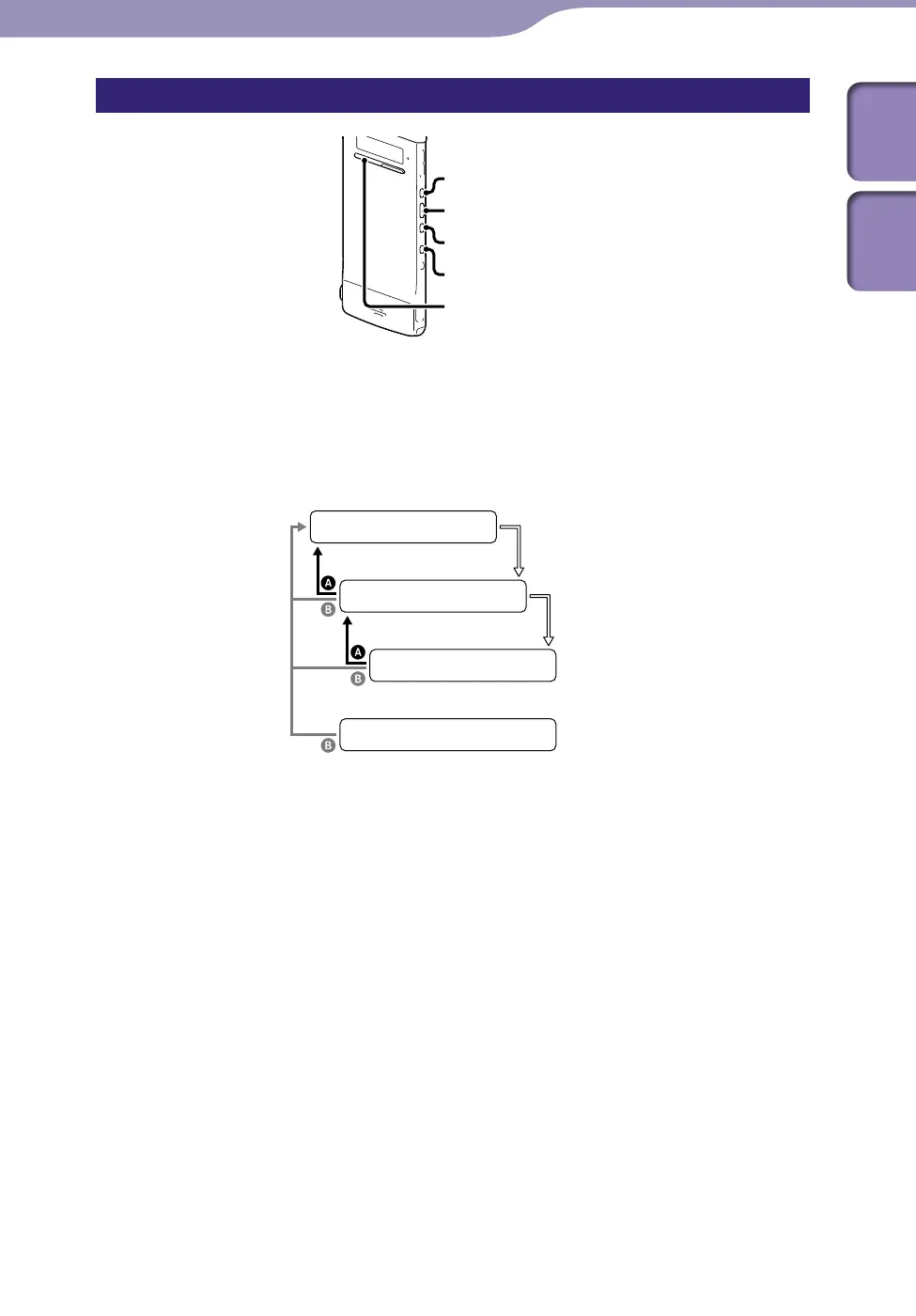
When you press or to select an item and then press /ENT, you
can display the menu window one‑layer down. Pressing BACK/HOME button
returns to the menu window one‑layer up. Whichever layer of a menu window
you display, you can go back directly to the Home “Scene Select” menu window
by pressing and holding BACK/HOME.
Home menu
Sub menu
Menu setting
Stop/Playback/Record window
/ENT
/ENT
BACK: Press BACK/HOME.
HOME: Press and hold BACK/HOME.
To exit the Home menu, press STOP.



 To Next Page