36
36
Recording Files
Index
Table of
Contents
ModelName: ICD‑TX50
PartNumber: 4‑300‑042‑11(1)
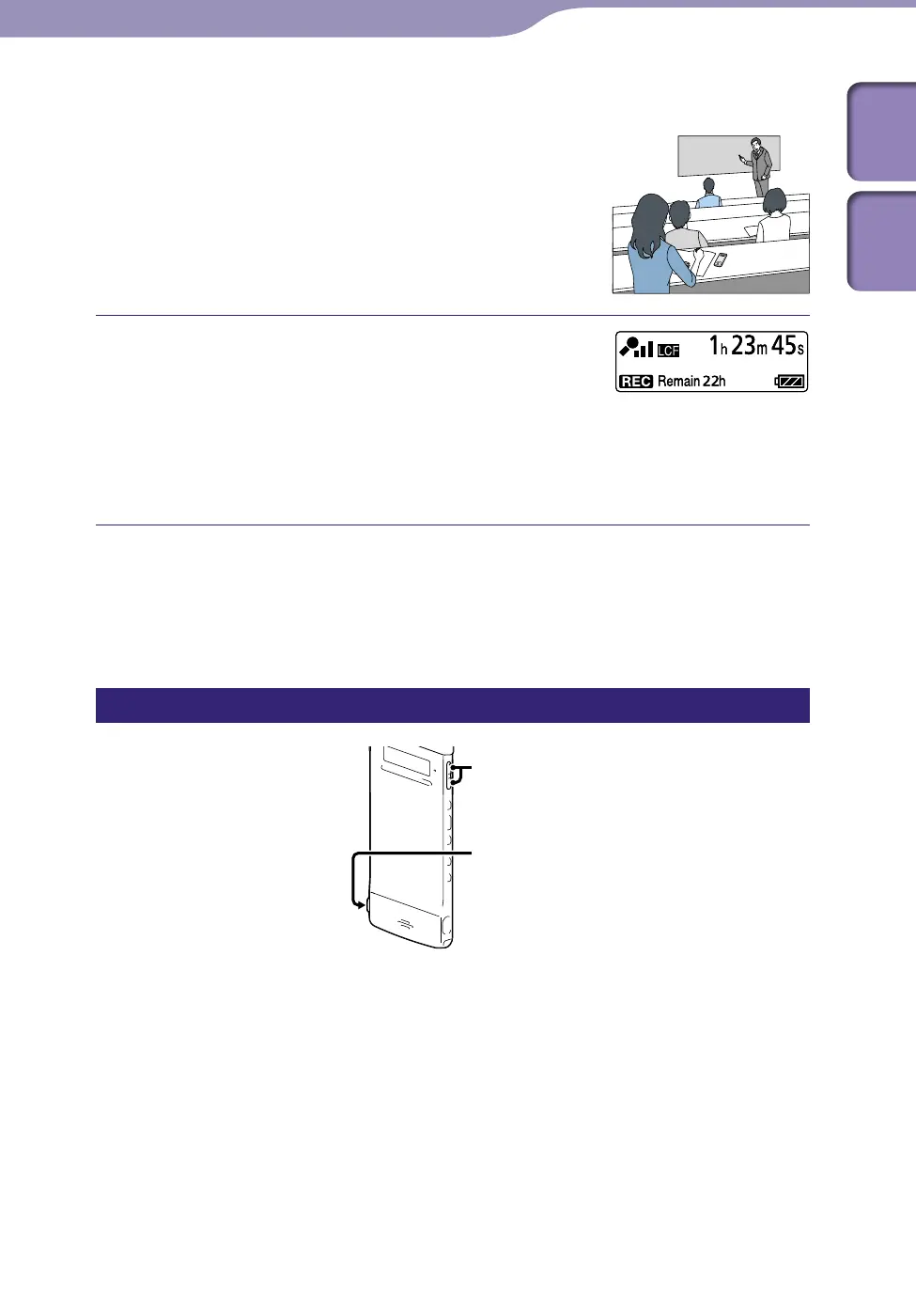
To record with the IC recorder on a table or
other surface, attach the supplied noise
damper to the IC recorder and place the IC
recorder so that the built-in microphones
face the direction of the source to be
recorded.
In the stop mode, press REC/PAUSE.
The recording indicator and the operation
indicator light in red.
You do not need to press and hold REC/
PAUSE while recording.
The new file will be automatically recorded as
the last file in the specified destination folder.
Hint
You can select a recording scene setting such as “Shirt Pocket” or “Interview” that suits the
recording situation (
p.
39).
Monitoring the recording
VOL−/+
If you connect the supplied stereo headphones to the (headphone) jack, you
can monitor the recording. You can adjust the monitoring volume by pressing
VOL –/+, but the recording level is fixed.



 To Next Page